
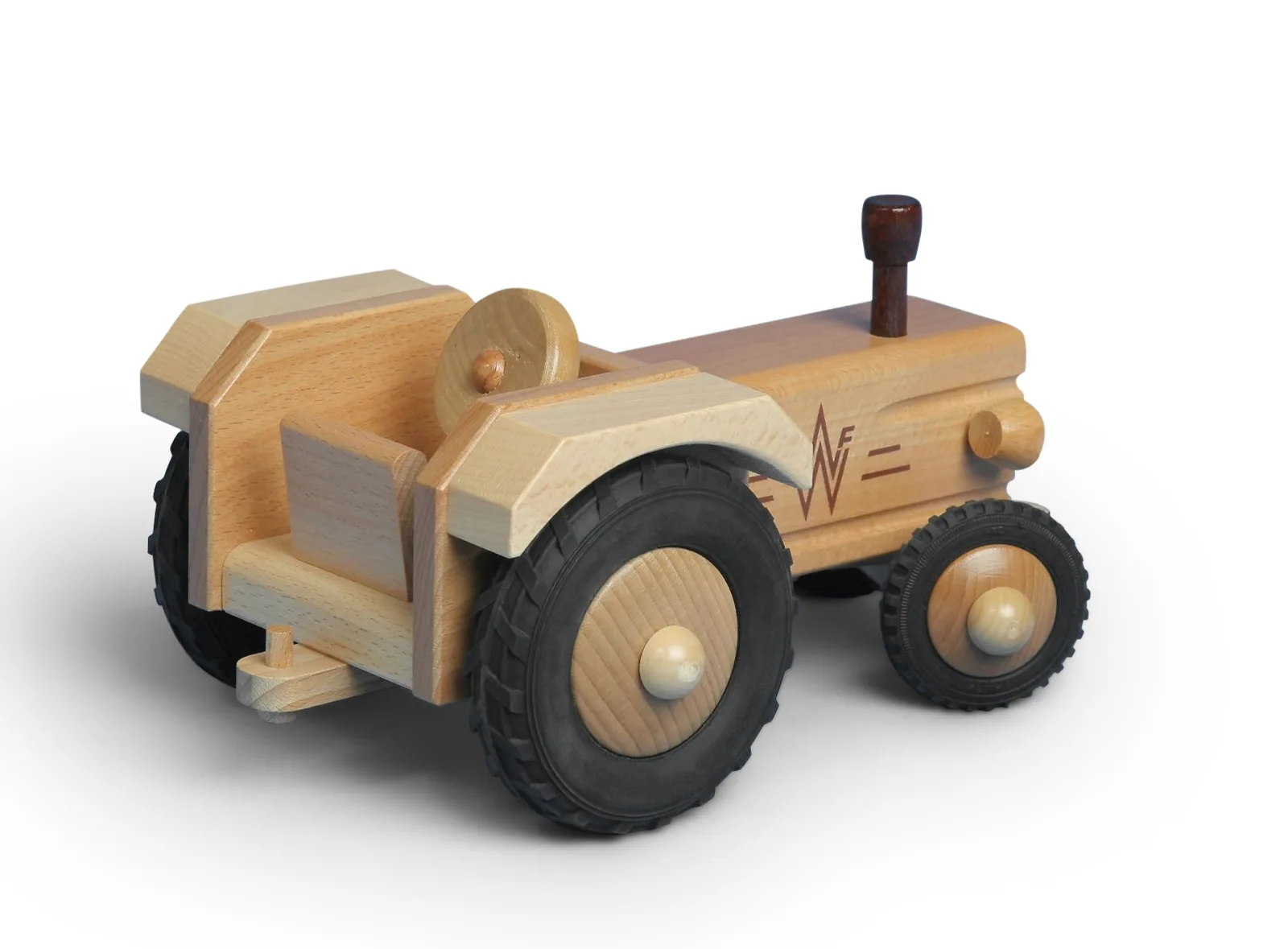
PRODUCT RETOUCHING
Product retouching
for stores that sell.
Buyers cannot touch your products, so your photos do the selling. We remove distractions, fix color and light, and give every product a clean, honest photo that shows exactly what the customer will receive.
Clean
Backgrounds
Backgrounds
Natural
Shadows
Shadows
True
Color
Color
Marketplace
Ready
Ready
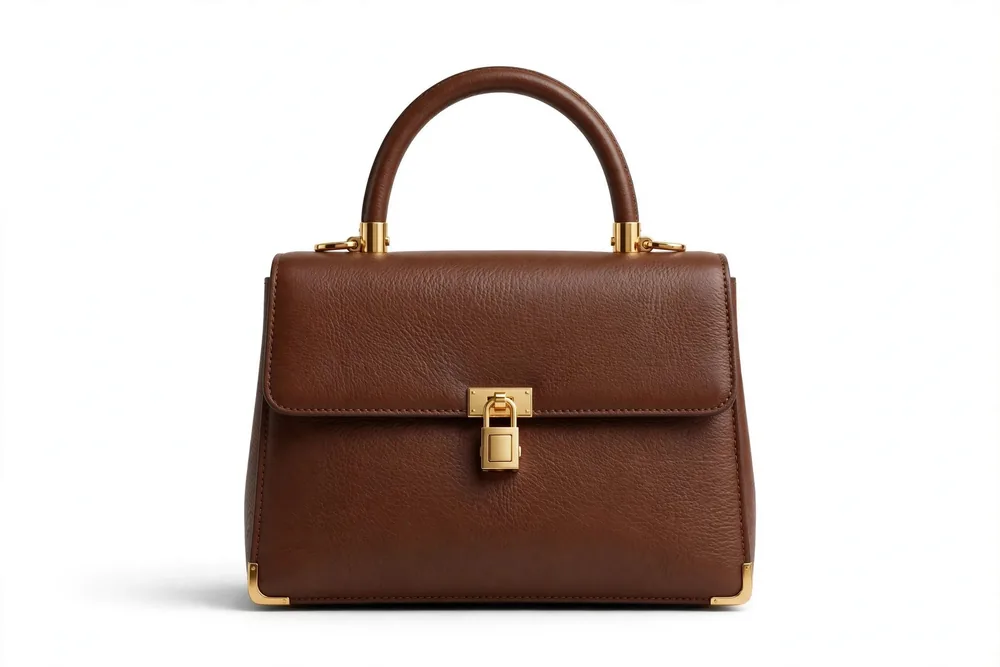 Clean photo,
honest product
CLEANUP
BACKGROUND
SHADOW
COLOR
BACKGROUND
SHADOW
COLOR
WHAT WE FIX
The problems that
cost you sales.
Most product photos fail for simple reasons. Each one is fixable, and each fix below is part of a normal order.
Messy or grey backgrounds
Studio backgrounds pick up dust, creases and grey tones. We remove the background or clean it to pure white, so the product gets all the attention.
Dull or wrong colors
Camera color is rarely true color. We correct each photo against the real product, so the red dress the customer sees is the red dress that arrives.
Dust, scratches and tags
Close-up shots show every flaw. We remove dust, scratches, price tags and loose threads by hand, keeping the real texture of the material.
Flat, floating products
A product without a shadow looks pasted in. We rebuild soft, natural shadows that match the light in the photo and ground the product on its surface.
HOW WE EDIT
Modern Photoshop,
used with care.
Good retouching is invisible. These are the methods behind that result, in plain words.
Precise selections first
Every edit starts with a clean selection of the product. Smart tools find the edges fast, then an editor refines them by hand, so no detail is cut away and no background is left behind.
Layer masks, not erasers
We hide parts of a photo with a mask instead of deleting them. A mask works like a stencil: it covers one area while we edit another. Nothing is lost, and any step can be changed later.
Smart repair for damage
For scuffs and damaged areas, repair tools rebuild the spot from clean parts of the same photo. Where an area is badly damaged, AI-assisted fill can rebuild it, and an editor always checks the result by eye.
Adjustment layers for light and color
Brightness and color are fixed on separate layers above the photo. The original pixels stay untouched, and the same correction can be applied evenly across a whole set.
01 / 06
Before & After
See the difference for yourself.
Click any image to compare the before and the finished retouch — drag to see every change.
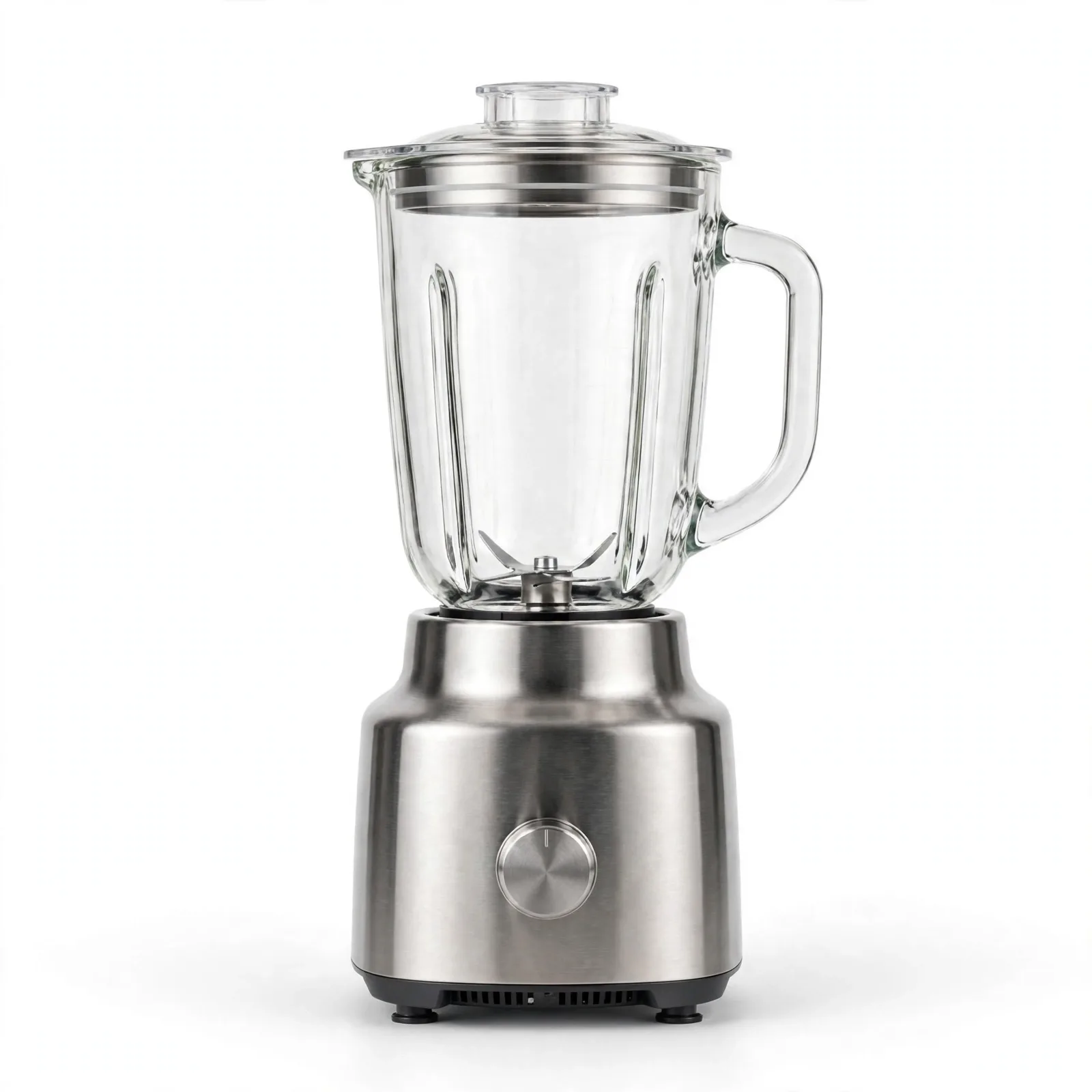
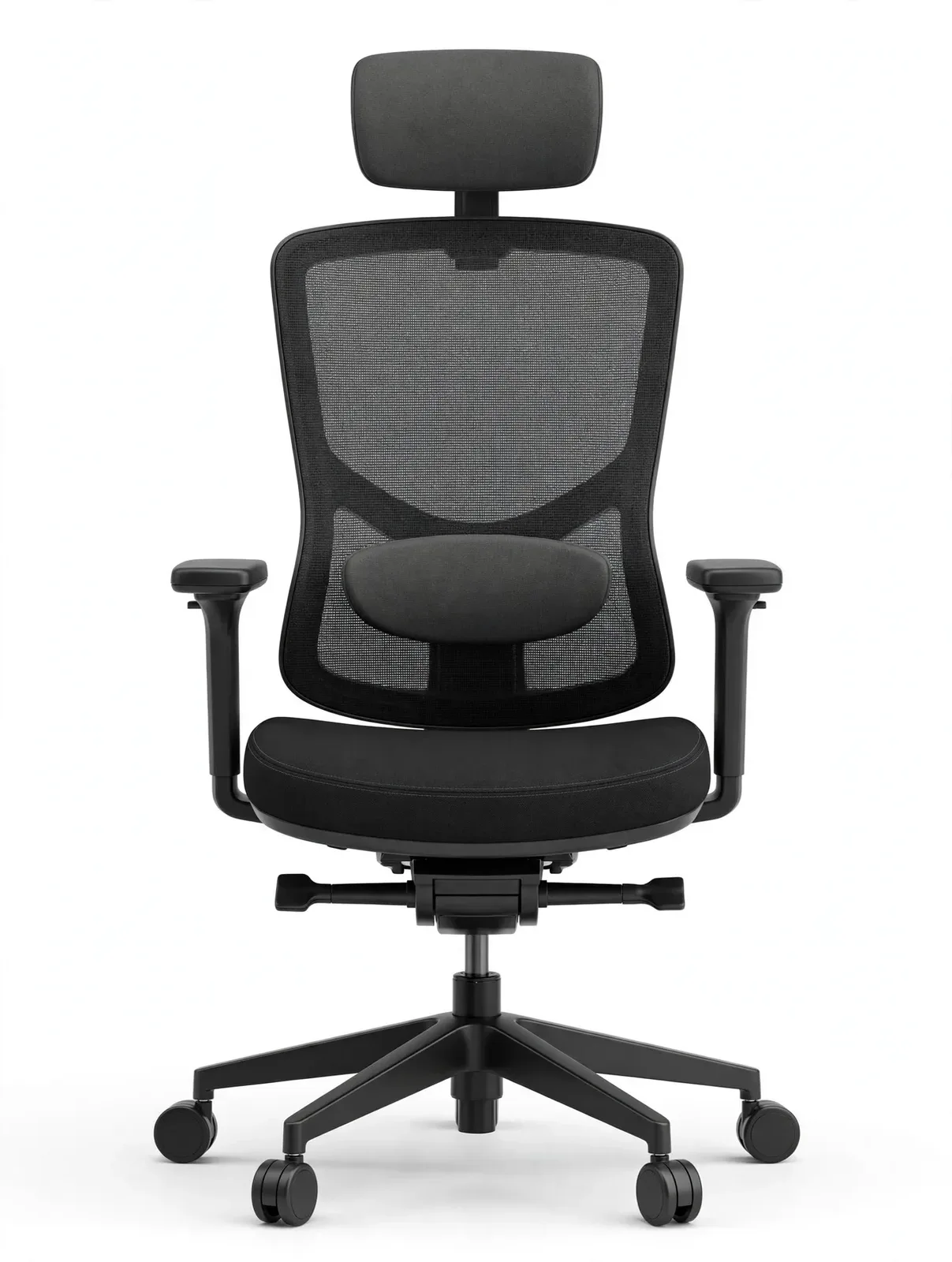
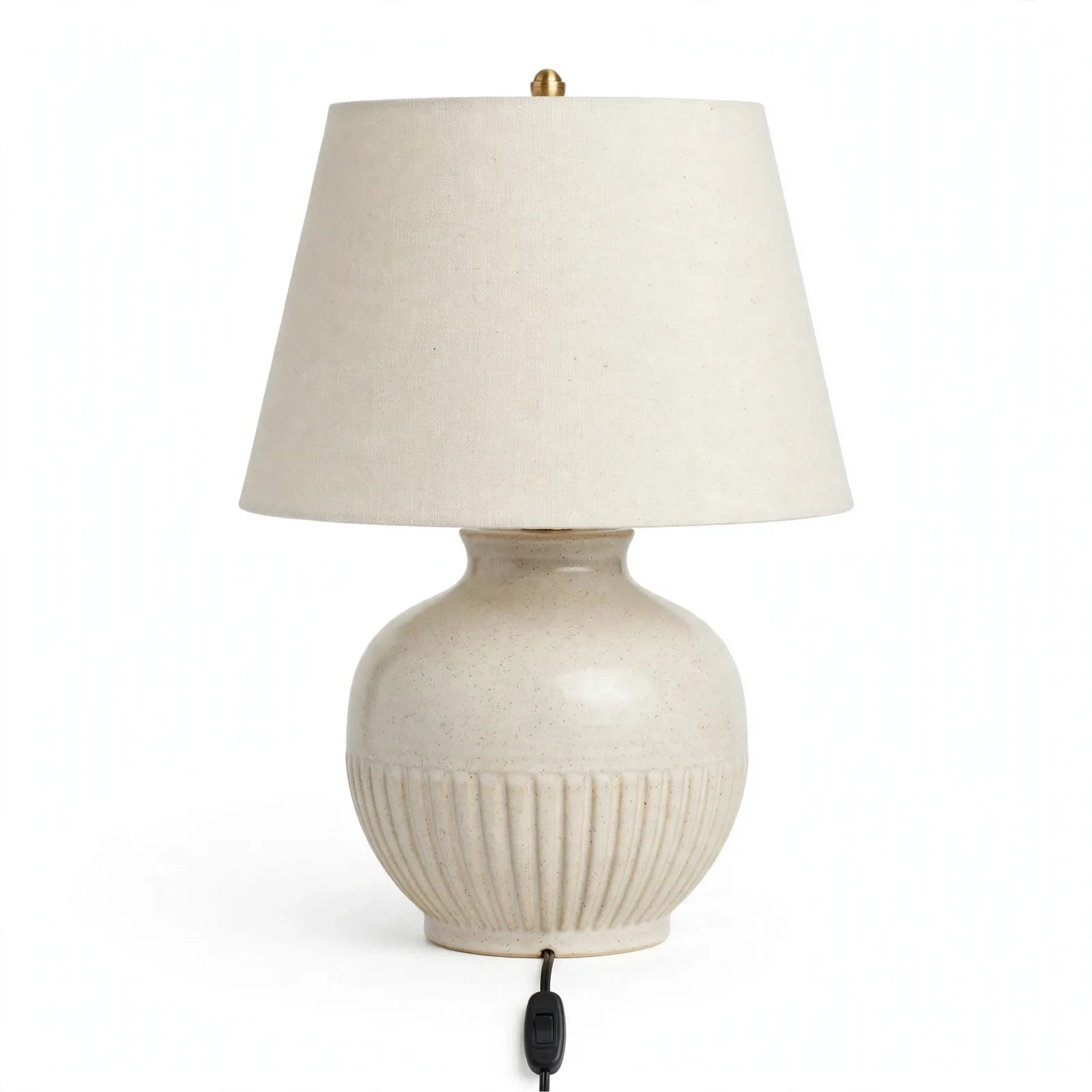
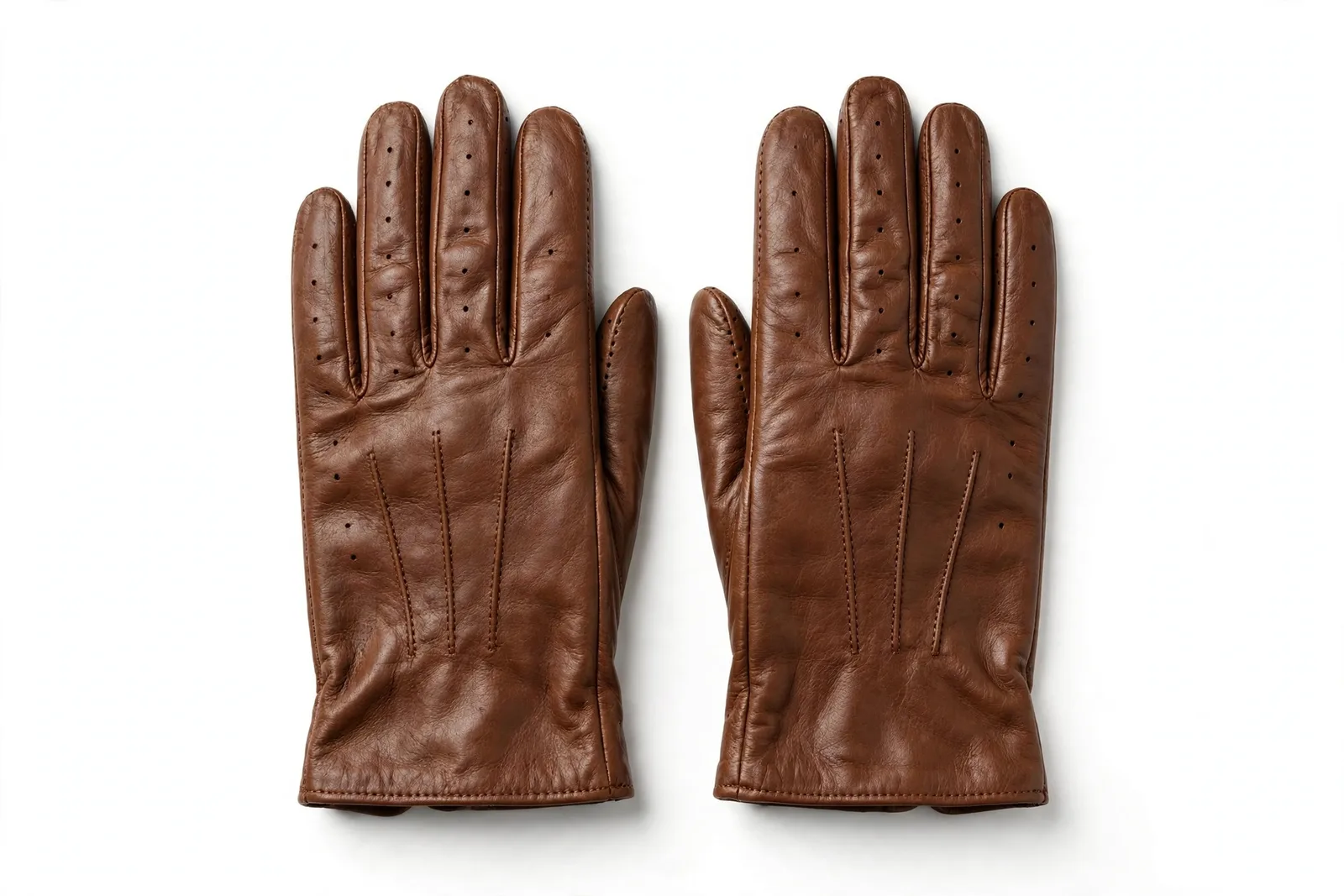
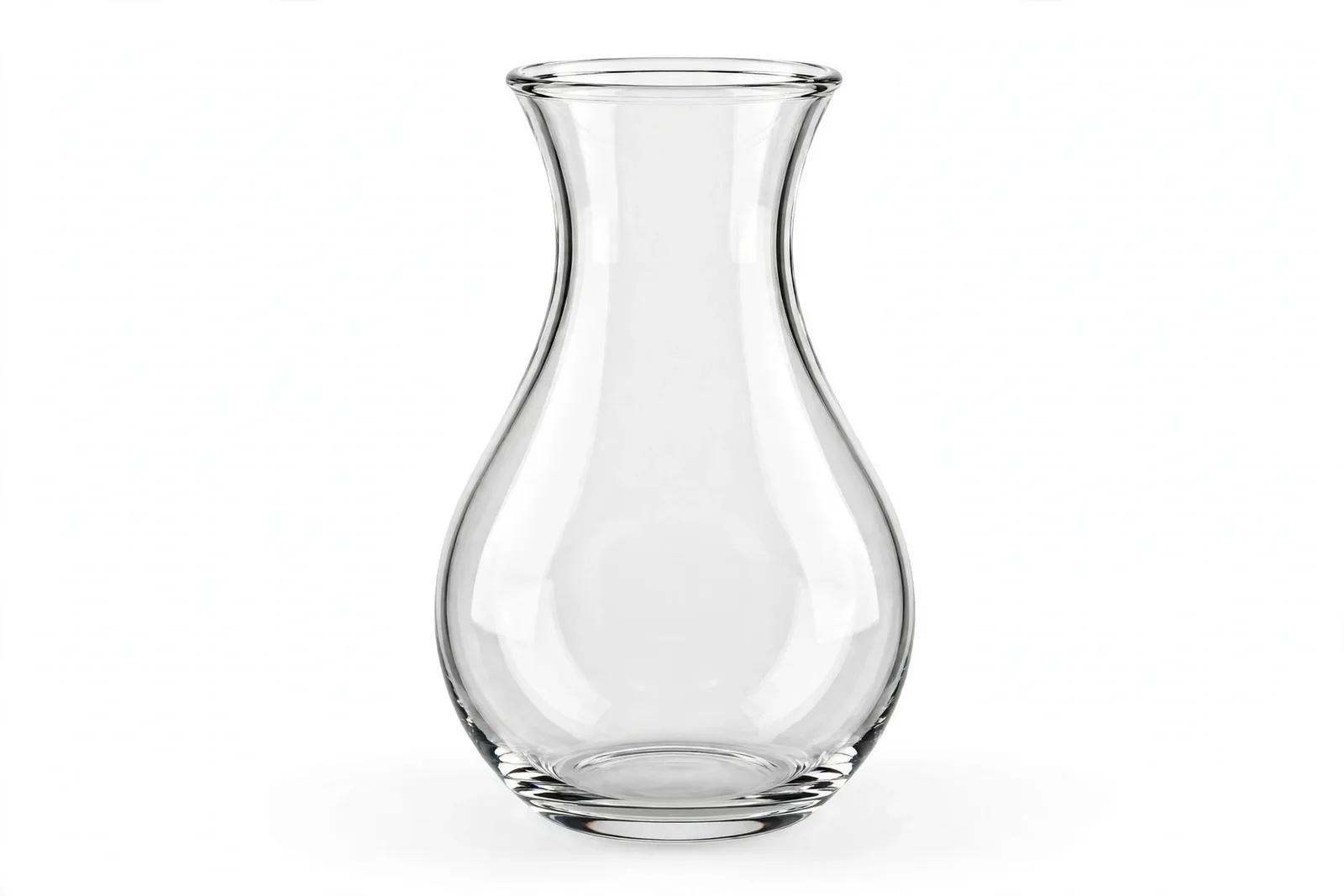
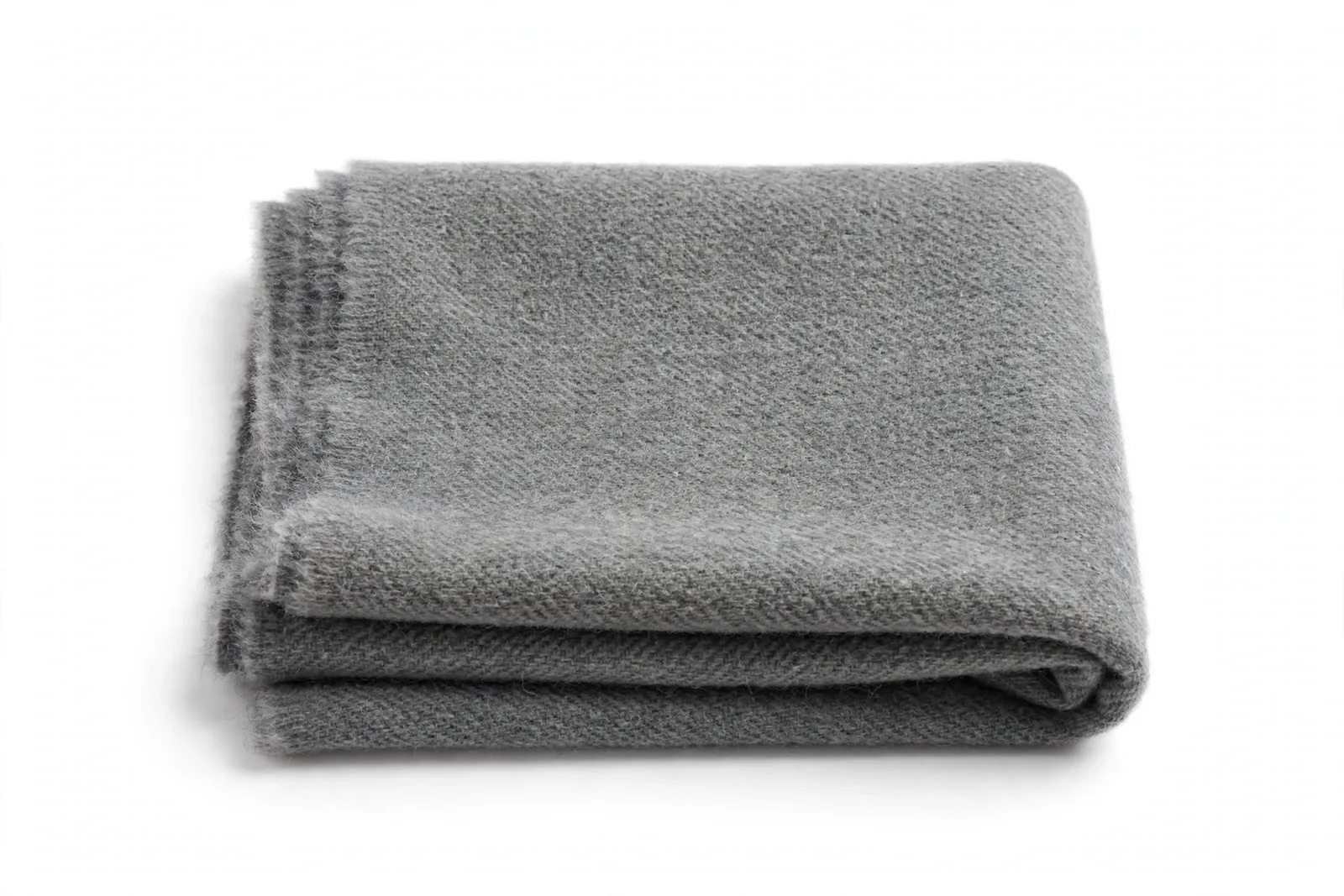
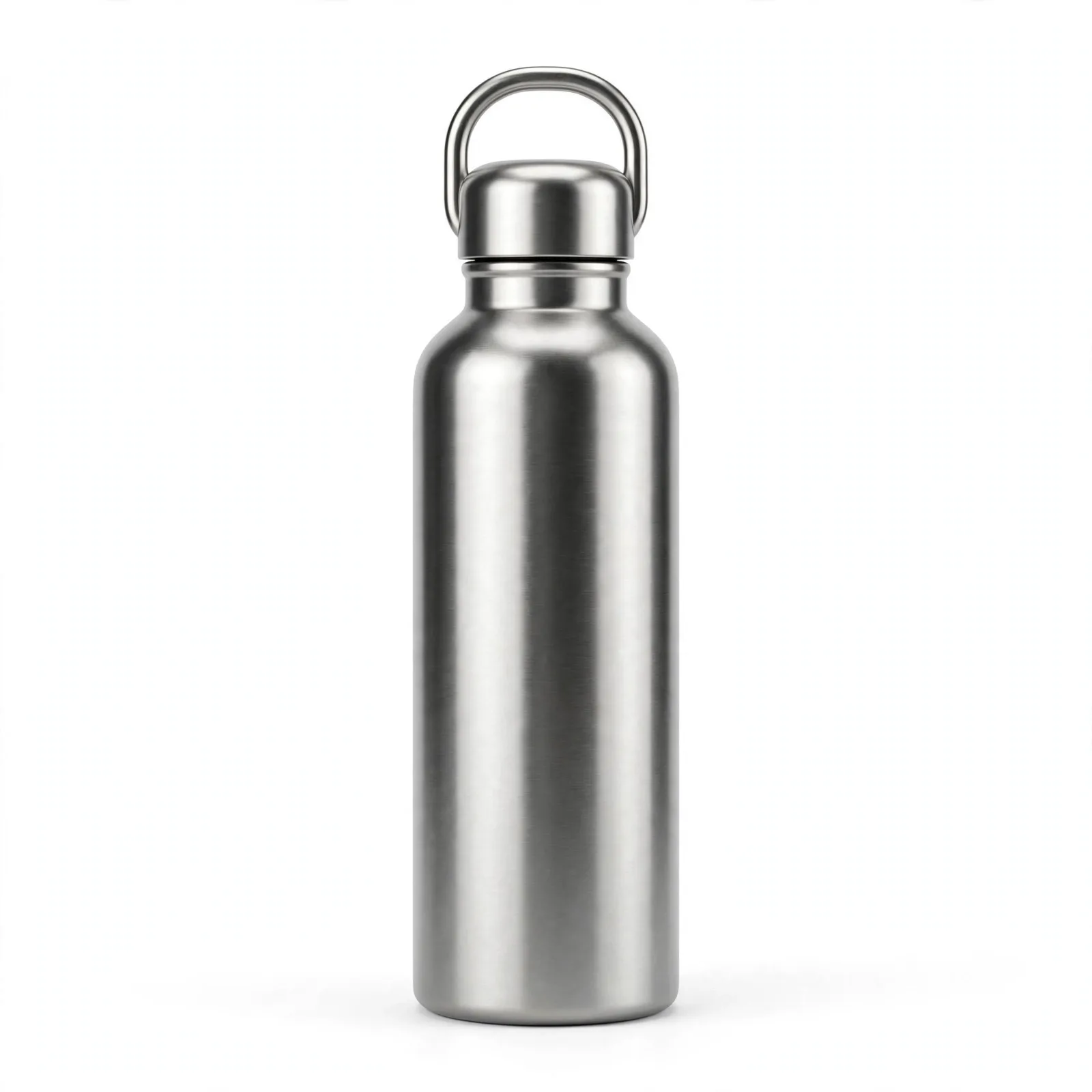
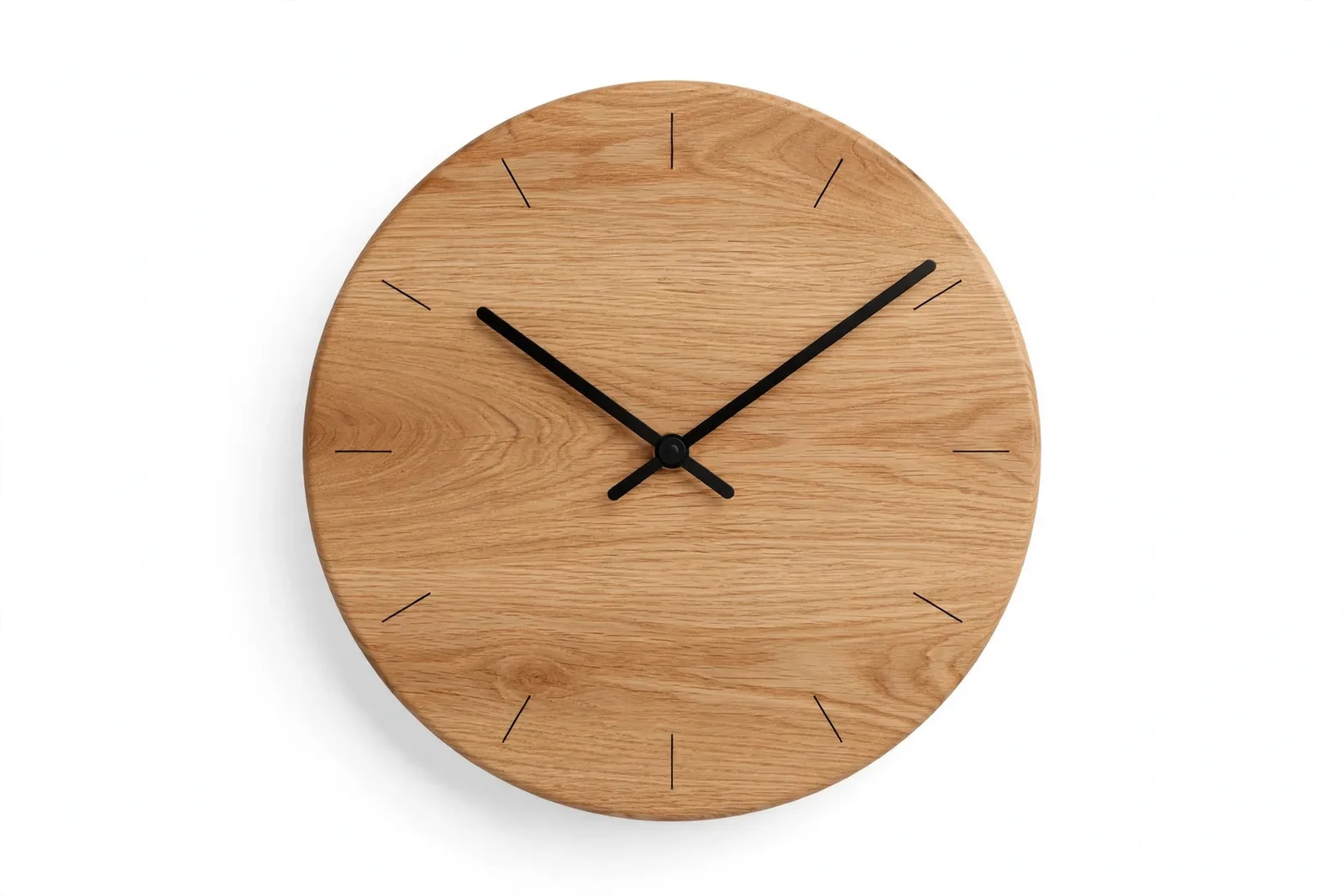
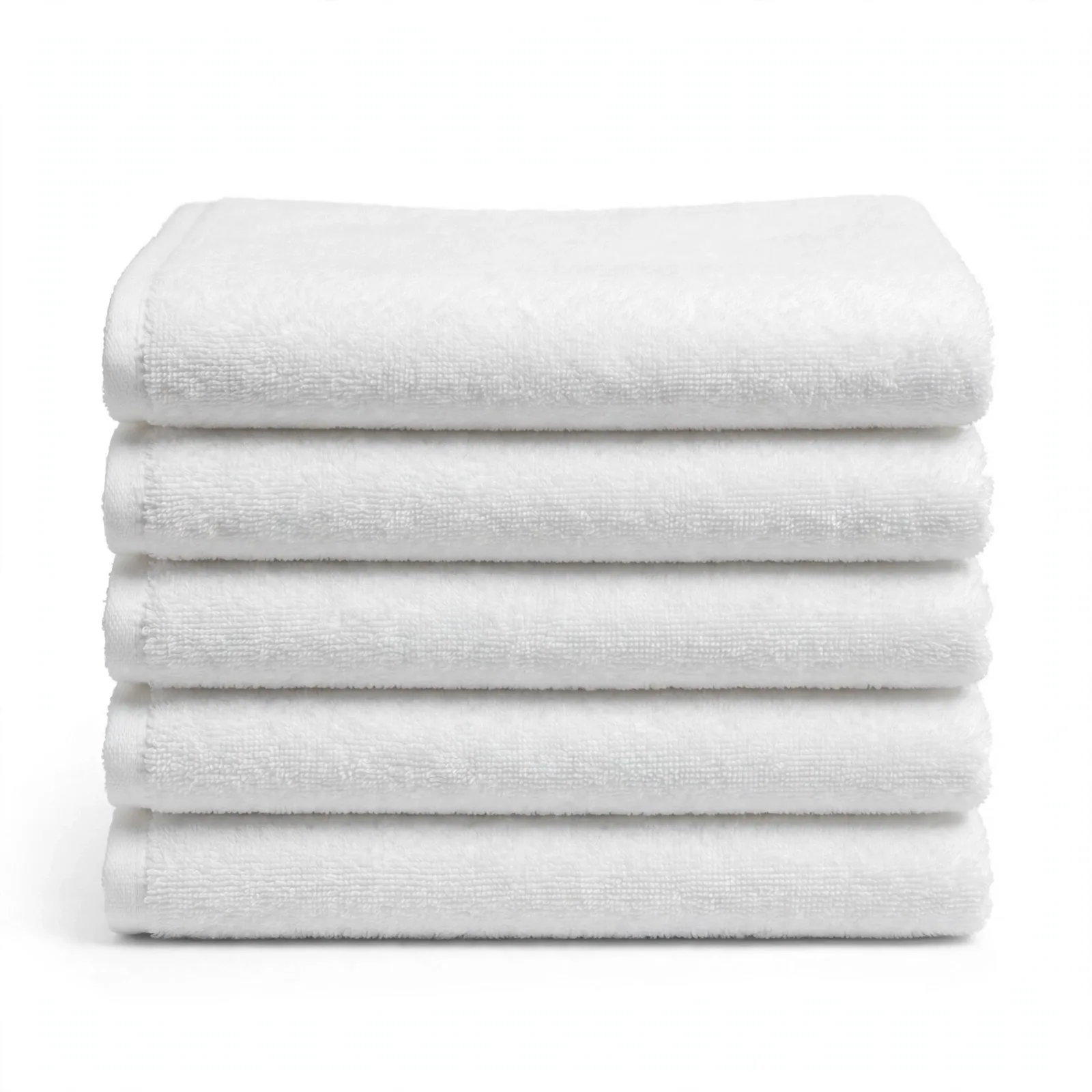
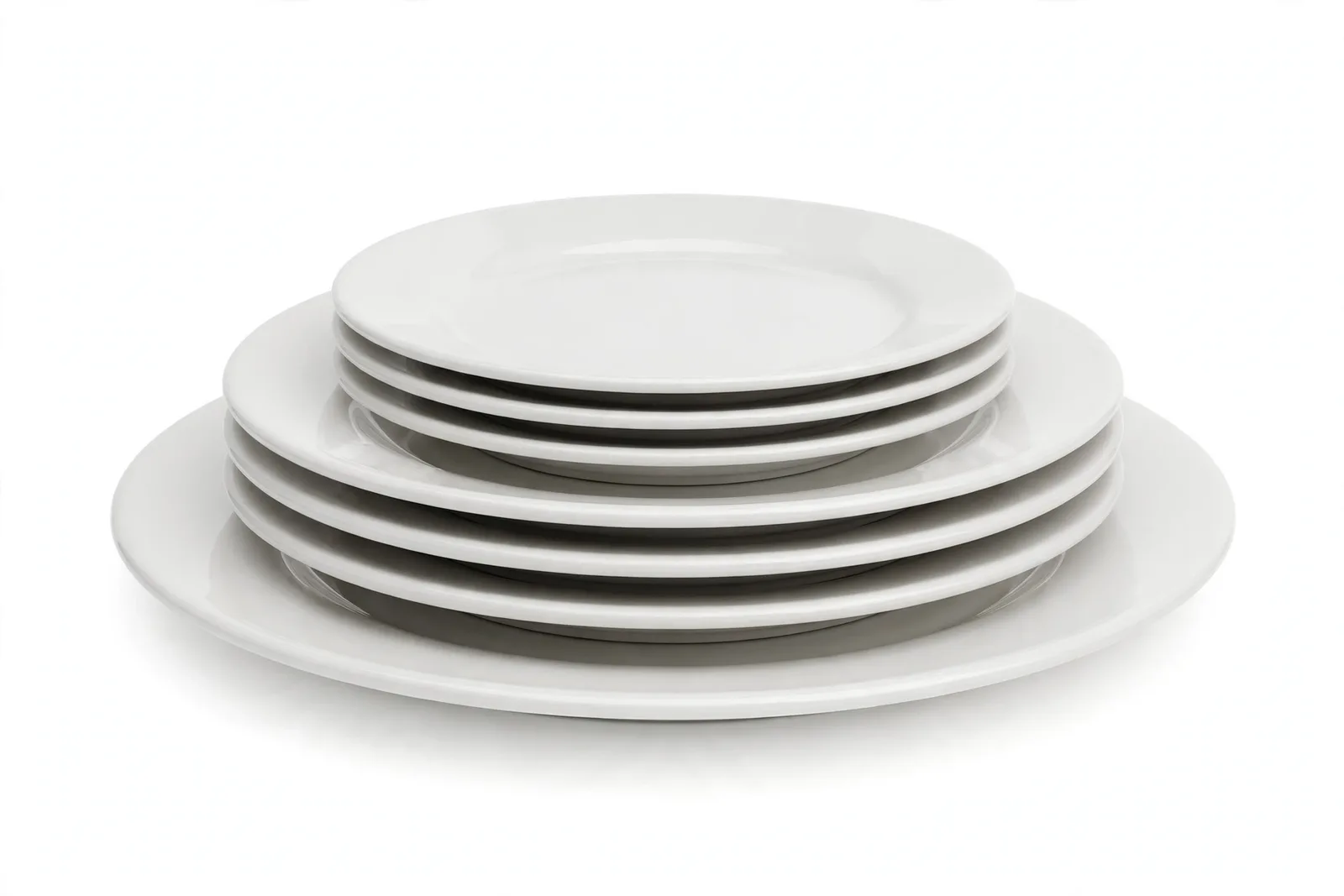
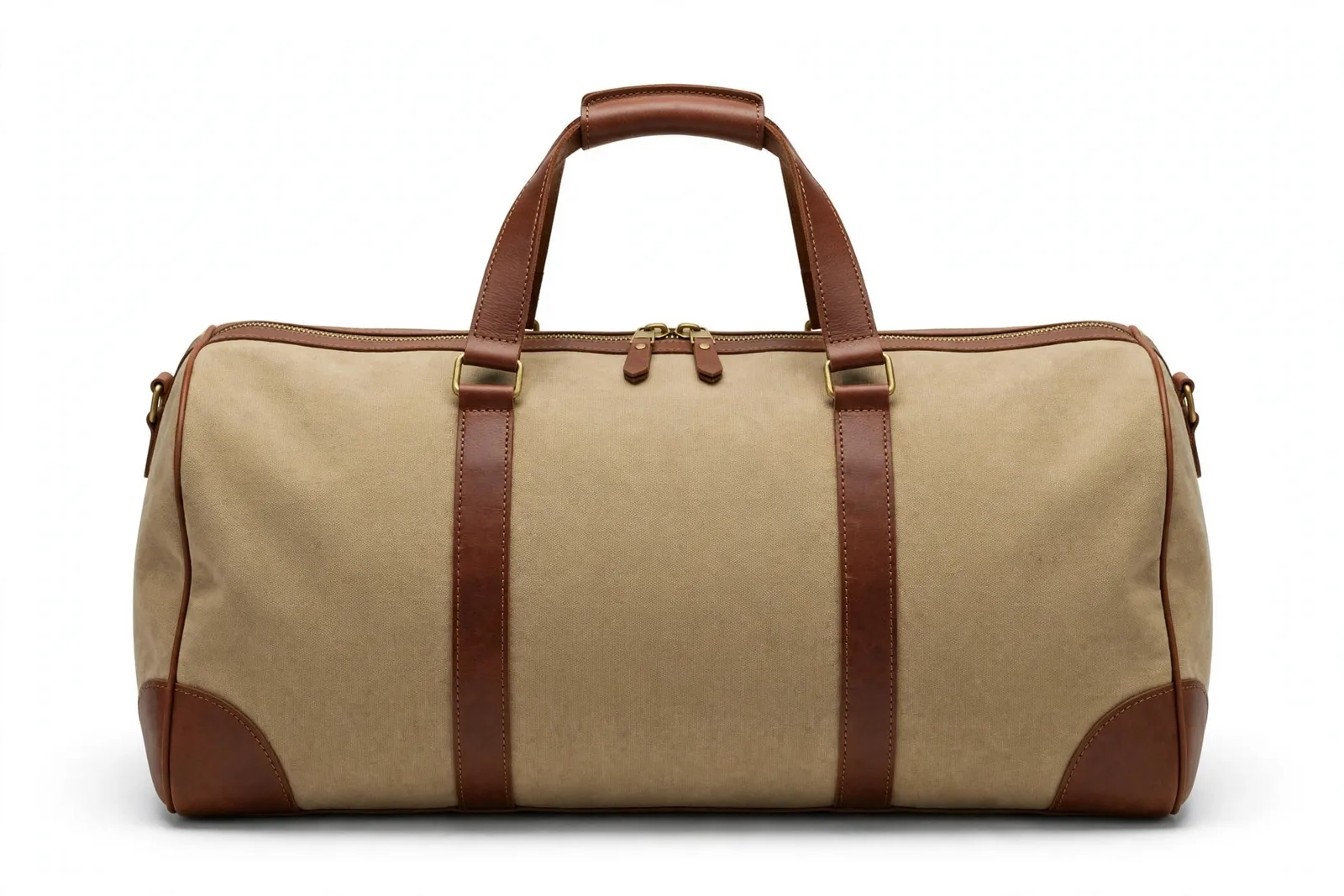
Before & after
Before Every Detail Matters
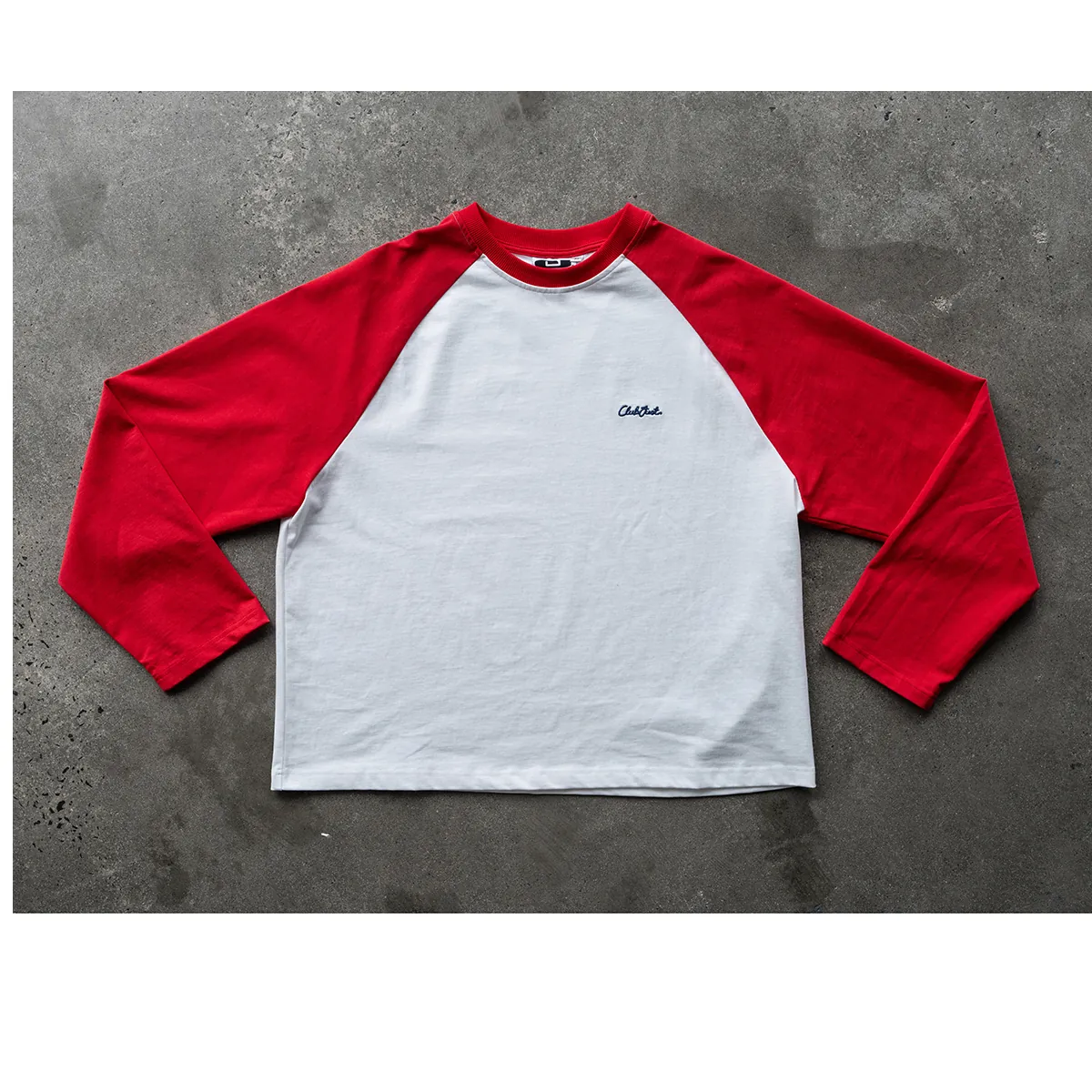
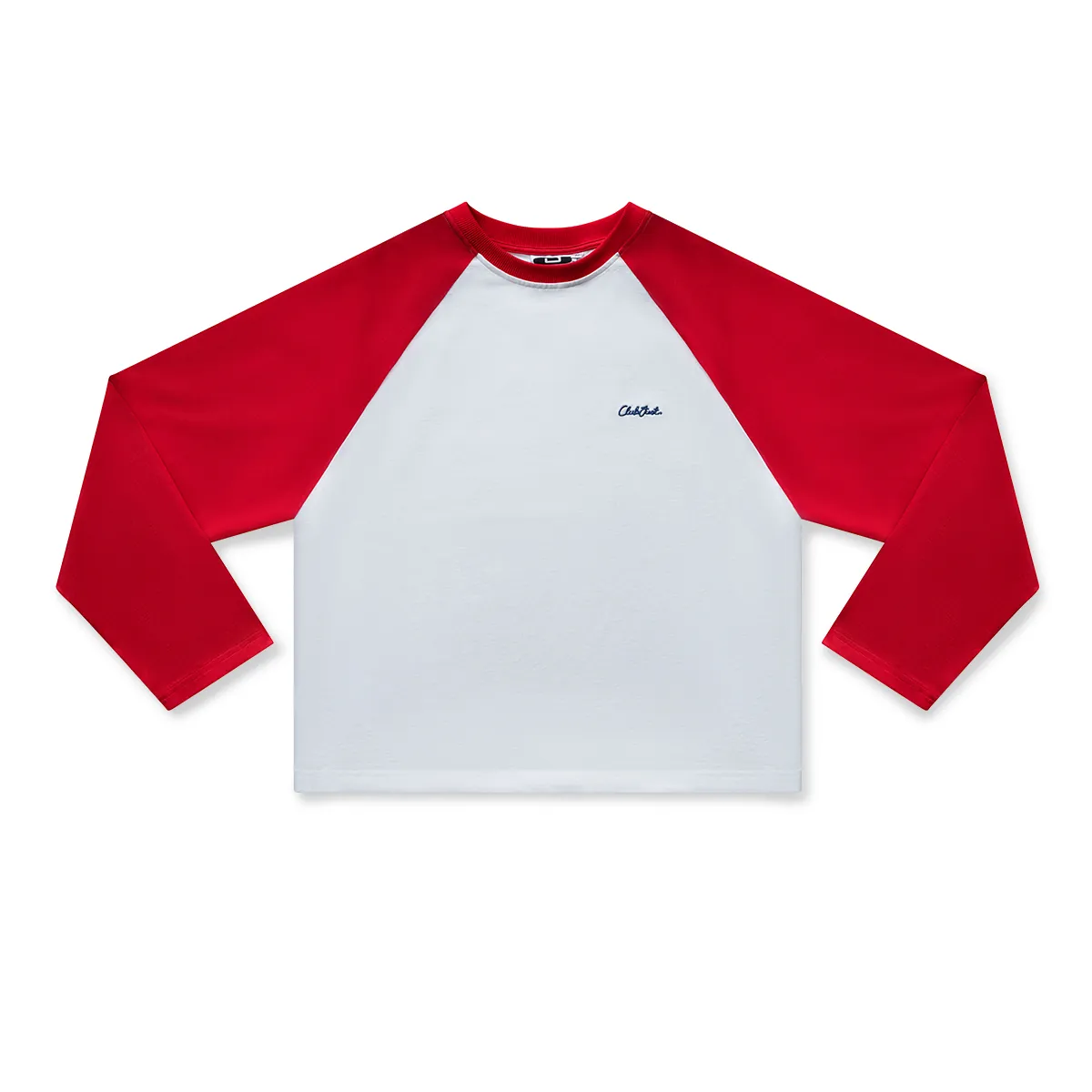
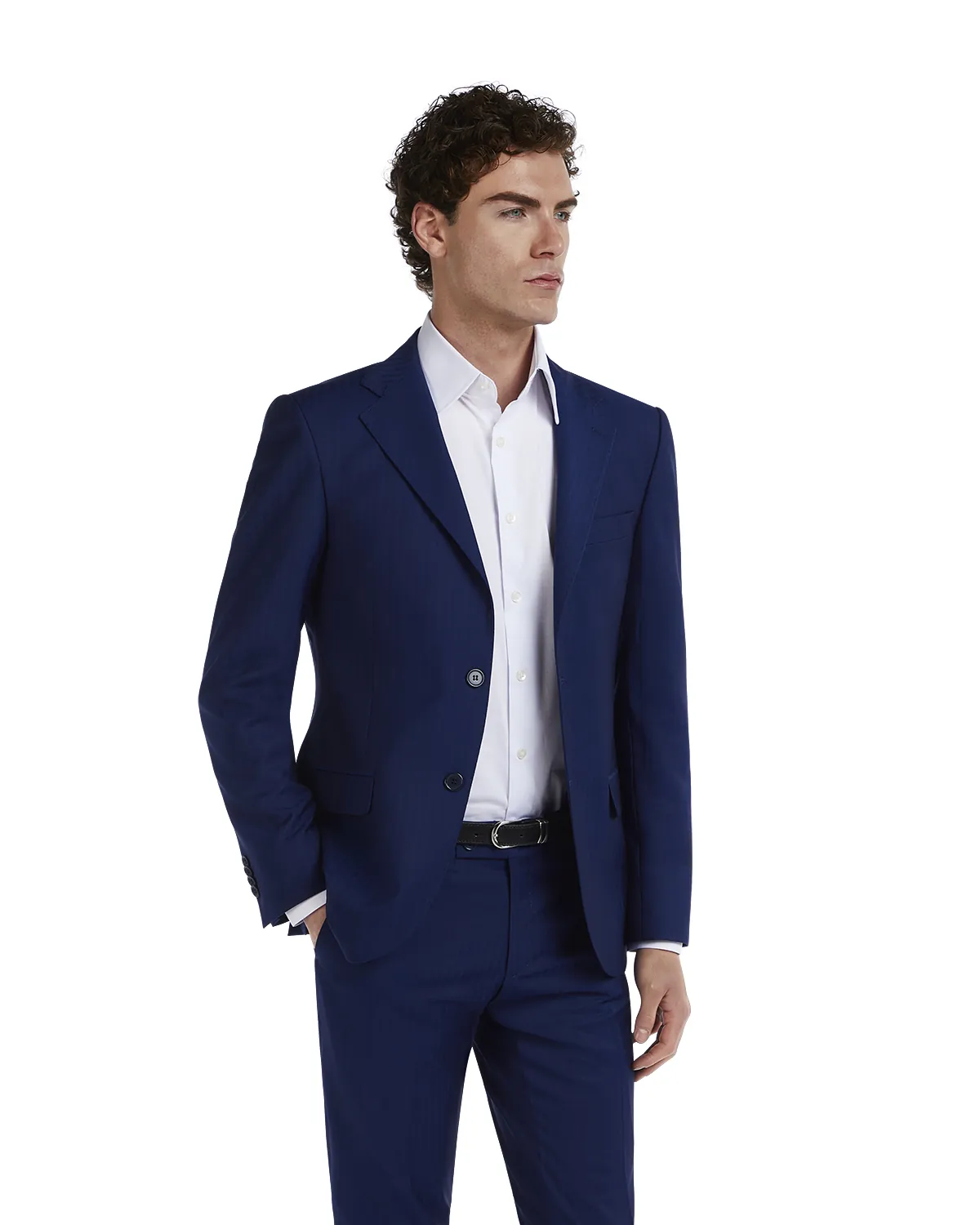
Ghost MannequinInvisible mannequin & shape refinement
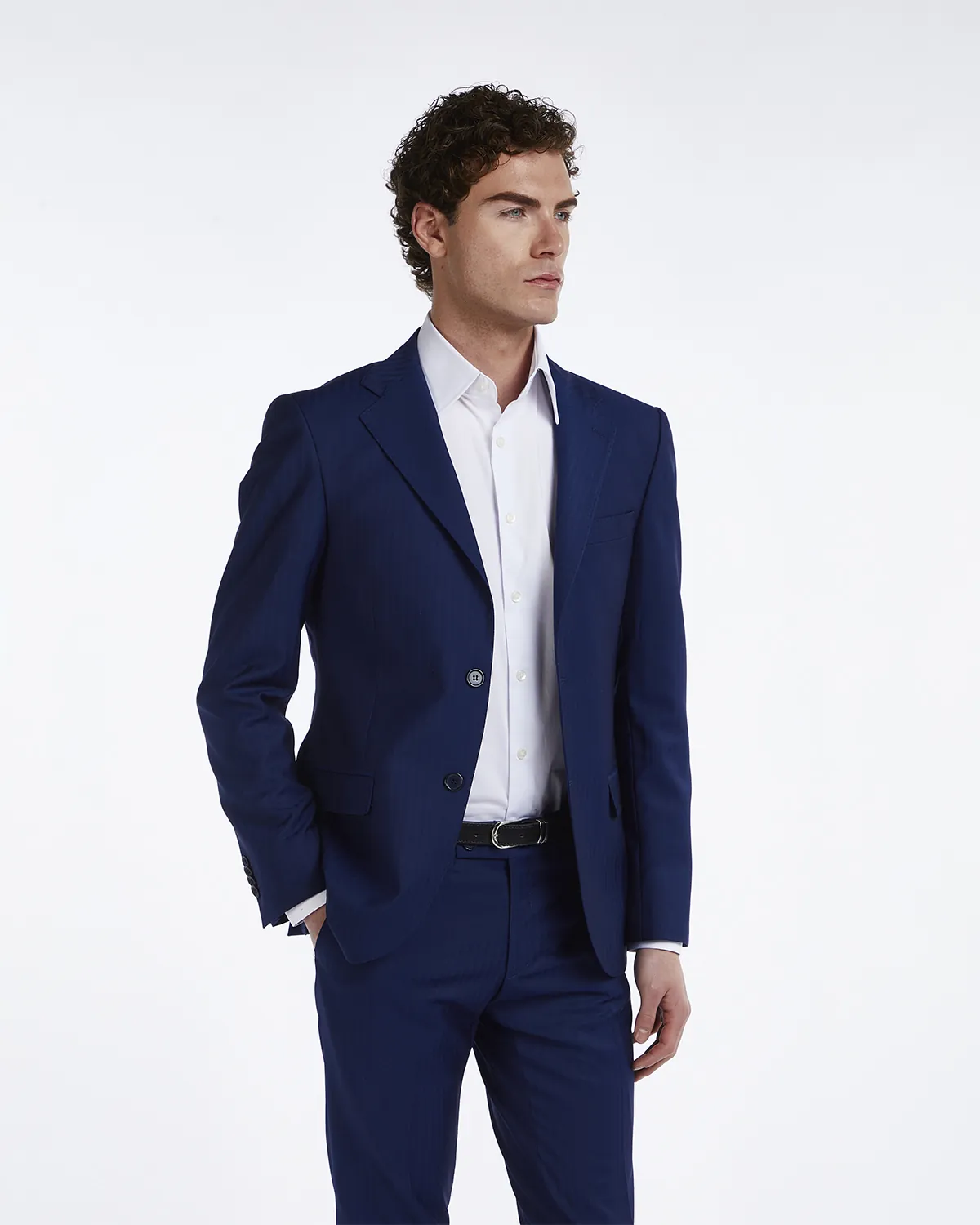
On-ModelNatural on-model finishing
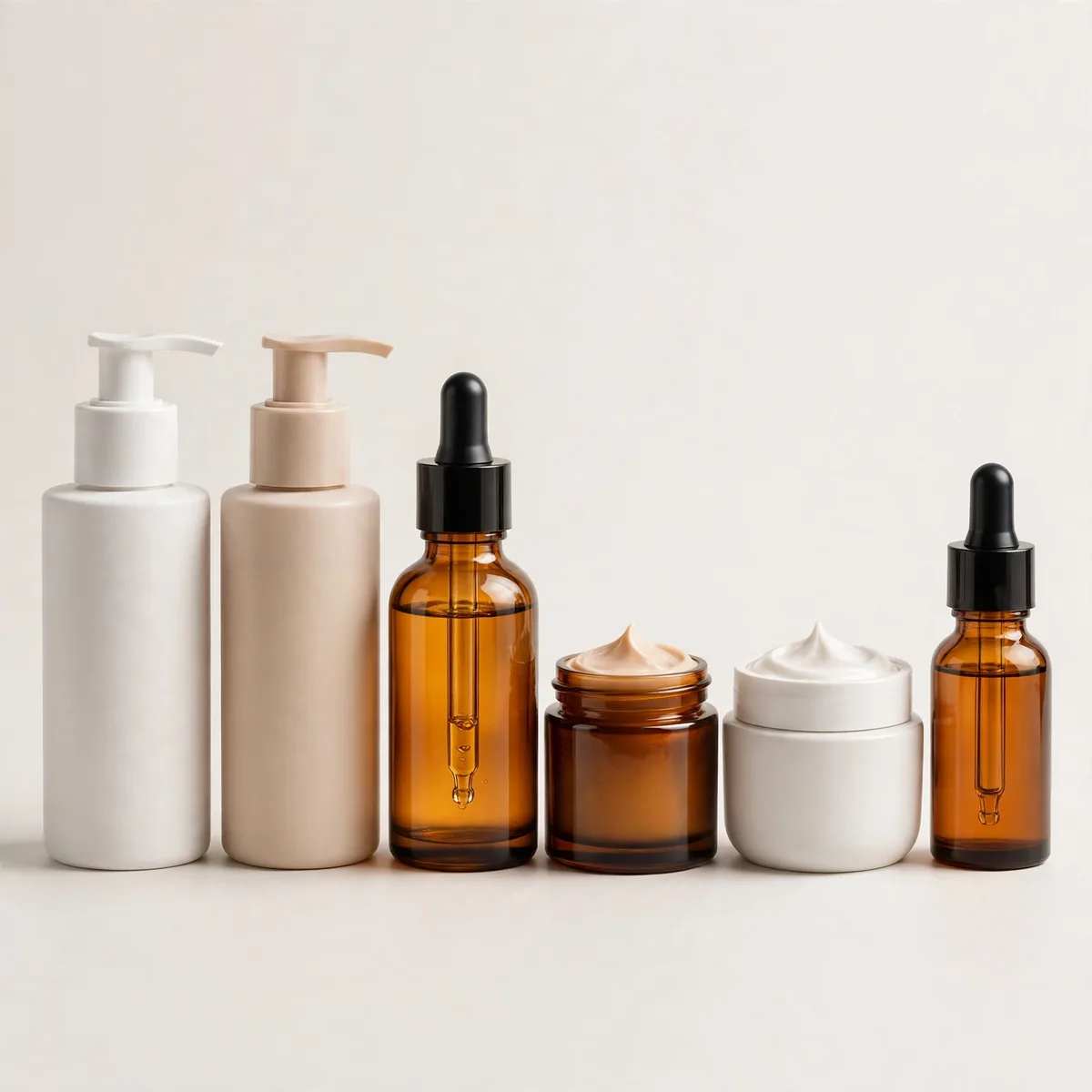
BeautySkin, tone & fine-detail polish
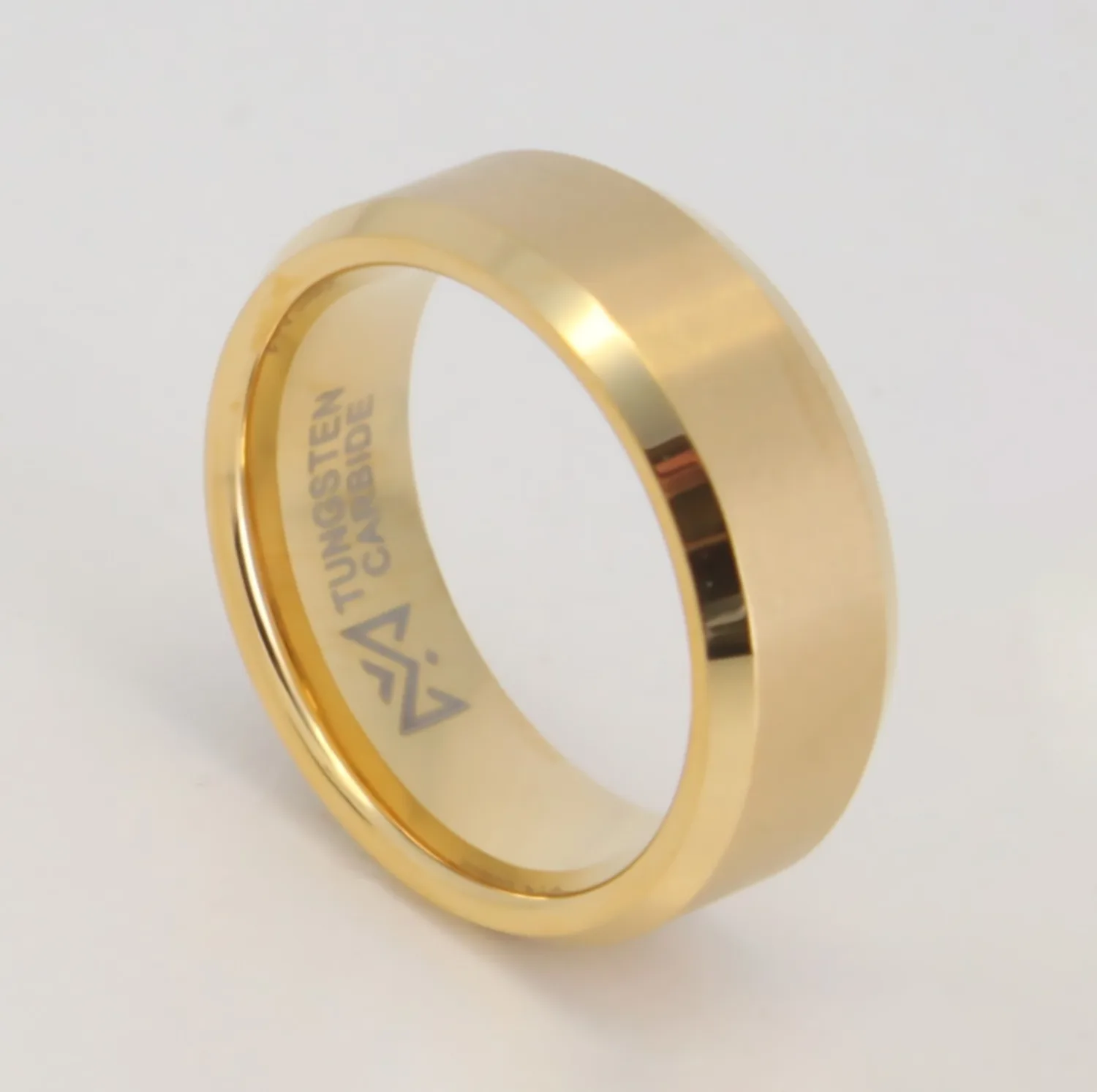
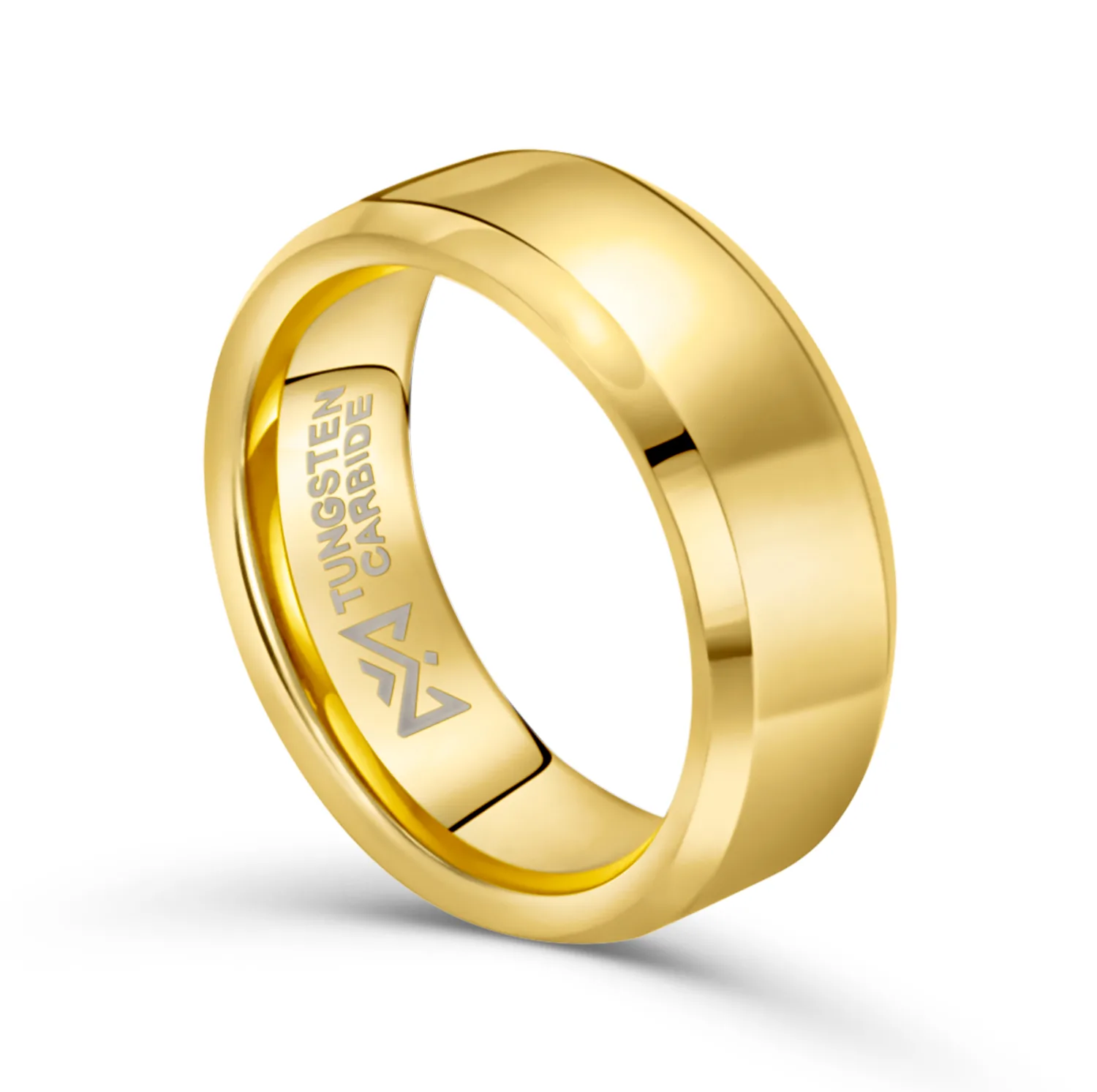
JewelryMetal reflections & stone definition
OUR PROCESS
Four steps,
no surprises.
01
Send your photos
Upload the raw images and tell us where they will be used. Add a reference if you have a style you want matched.
02
We retouch by hand
Editors clean, correct and polish each photo. Sets are edited by one team, so the style stays even from the first image to the last.
03
Quality check
A second editor checks edges, color and detail at full size. Anything that fails goes back for another pass.
04
Delivery in your formats
You receive files sized and named for your store or marketplace, ready to upload. Our ultimate guide of product photography for Amazon walks through those listing requirements in detail.
GOOD TO KNOW
Built for the way
stores actually work.
Sets stay consistent
A product line should look like one family. We match background, light and color across the full set, even when photos came from different shoots.
Every channel covered
Your store, Amazon, eBay, Etsy or social: each channel has its own size and background rules. We prepare the versions you need in the same order. For sellers, our breakdown of product photography for Amazon explains what the marketplace expects from listing images.
Part of a bigger toolkit
Product retouching is one part of our photo post-production work. You can add on-model editing, beauty retouching or jewelry work to the same order.
Start small, then scale
Begin with a free trial on up to 5 images. When the style is approved, larger batches follow the same recipe.
A full cleanup of the photo: background removal or replacement, dust and scratch removal, natural shadows, color correction and straight, centered framing. You receive images that are ready to upload to your store.
No. Our goal is a true photo, not a fake one. We remove flaws from the shoot, like dust and harsh light, but we never change the shape, color or material of the product itself.
Yes. Tell us where the images will be used. We prepare the right size, background and format for each channel, including pure white backgrounds where a marketplace requires them. Our guide to product photography on a white background explains when it pays to outsource the shoot itself.
We build shadows from the product itself, using its shape and the light in the photo. The result looks like the product was shot on the surface, not pasted onto it.
We clean it or replace it. For small damage, repair tools rebuild the area from the clean parts of the photo. For a full change, we cut the product out and place it on a new background.
Most clients take web-ready JPG or PNG files in their store sizes. We can also deliver layered PSD files, transparent PNGs and print-ready TIFF files on request.
Basic product editing starts from $0.80 per image. Complex products with glass, metal or many parts cost more. You get an exact quote for your images before we start.
Yes. The free trial covers up to 5 of your own product photos. It is the fastest way to see our quality on the products you actually sell.
YOUR PRODUCTS, PRESENTED PROPERLY
Try us on 5 photos free.
Send real product photos from your store. We retouch them like a paid order, and you judge the result before spending anything.
See before & after examples → and case studies → from our photo retouching work.