CLIPPING PATH & MASKING
Clipping path & masking
with edges that stay clean.
Every background change starts with a cutout. If the edge is rough, the whole photo looks cheap. We draw paths and masks by hand, so your products sit cleanly on white, on color or on any scene you choose.
Paths
Masks
Transparency
Background
 Clean edge,
any background
MASK
EDGE
CUTOUT
PATH OR MASK
Two tools,
one clean edge.
The right tool depends on the product. Here is the simple rule our editors follow.
Clipping paths for solid products
Shoes, bags, furniture, electronics and tools have hard edges. A hand-drawn path follows the exact outline, so the cutout stays sharp even when printed large.
Masks for soft and fine edges
Hair, fur, feathers and fabric fringes cannot be cut with a hard line. A mask holds every fine strand, so the edge looks natural against the new background.
Masks for glass and transparency
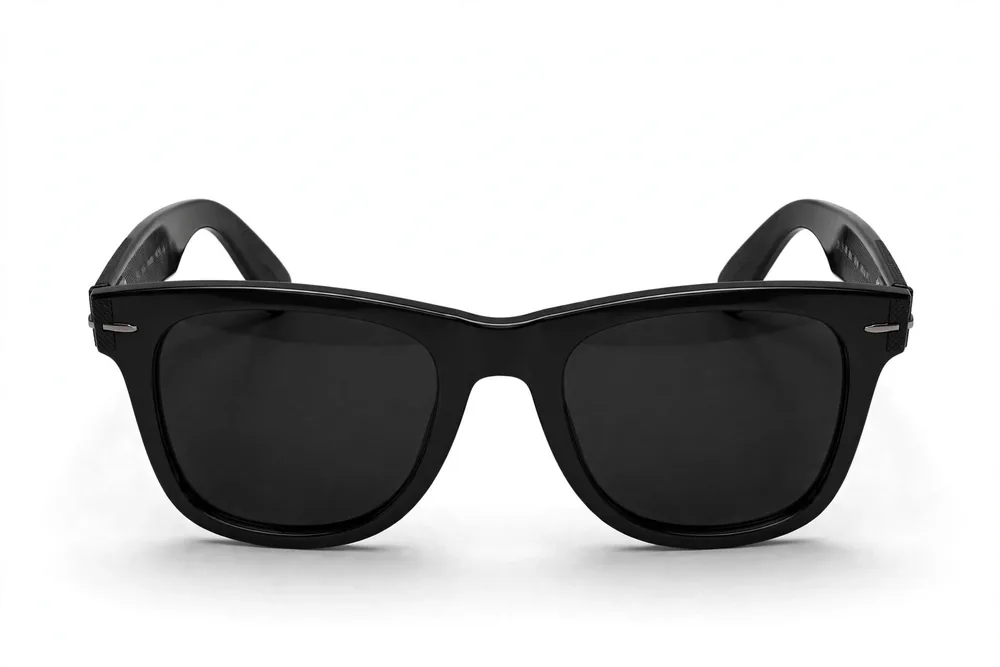
Glasses, bottles and veils are partly see-through. A good mask keeps that transparency, so the new background shows through the glass the way it should.
Both, when a product needs both
A model wearing a handbag needs a path for the bag and a mask for the hair. We combine the two in one file, so the whole photo is ready to use.
HOW WE EDIT
By hand, because
edges are the product.
Paths drawn point by point
An editor places each point of the path by hand and zooms in on curves and corners. Automatic tools guess edges; a drawn path knows them.
Smart tools as a first draft only
Photoshop can find a subject quickly with Select Subject. We use it as a starting point, then refine the edge by hand. The guess never ships unchecked.
Edges checked on three backgrounds
Every cutout is tested on white, on black and on a busy background. A weak edge hides on one and shows on another, so we check all three.
Files that stay editable
Paths and masks are saved inside the file. Your team can swap the background next season without paying for a new cutout.
OUR PROCESS
Cut once,
use everywhere.
Send your photos
Upload the images and tell us the backgrounds you need now, and any you may need later.
We draw and refine
Editors create the path or mask for each product and refine the edge at full zoom.
Edge check
Each cutout is tested on white, black and busy backgrounds before it is approved.
Delivery
You receive the cutouts on your chosen backgrounds, plus transparent and layered versions if you ordered them.
WHERE IT LEADS
A cutout is
only the start.
Straight into product pages
Cutouts feed directly into full product retouching: shadows, color and cleanup on top of the clean edge.
Ready for catalogs at scale
When a catalog needs hundreds of cutouts, the same standards run across the whole batch, with one style for every image.
One part of post-production
Clipping and masking sit inside our full photo post-production service, so you can add color work or retouching at any time.
Test us on a hard edge
Send up to 5 photos free, and include the fuzziest, glassiest product you have. That edge will tell you everything.
A clipping path is a line drawn by hand around a product. Everything outside the line can be removed or replaced. It is the most accurate way to cut a product out of its photo, and it stays clean at any size.
A path gives a hard, sharp edge, which suits solid products like shoes, bags and electronics. A mask can hold soft edges, like hair, fur or glass. Many photos use both: a path for the body of the product and a mask for the fine parts.
Yes. Soft and see-through edges are handled with masks, not paths. We keep fine hair strands, fur texture and the transparency of glass, so the cutout looks real on any background.
Pure white, your brand color, a soft gradient or fully transparent. We can also add a natural shadow so the product sits on the new background instead of floating.
Most clients receive JPG on white and PNG with transparency. We can also deliver PSD files with the path or mask kept, so your own team can change the background later.
Simple shapes start from $0.80 per image. Complex products with many parts, fine detail or transparent areas cost more, because each path takes longer to draw. You get an exact quote before we start.
Small batches are normally ready within 24 hours. Large catalogs get a schedule before we begin. Once your style is set, repeat batches run on a steady rhythm.
Yes. Send up to 5 product photos in the free trial, and pick at least one hard one. Clean edges on a hard product are the real proof of this service.
ROUGH EDGES MAKE STORES LOOK CHEAP
Test our edges free.
Send up to 5 product photos, including your hardest cutout. We return clean edges you can test on any background.