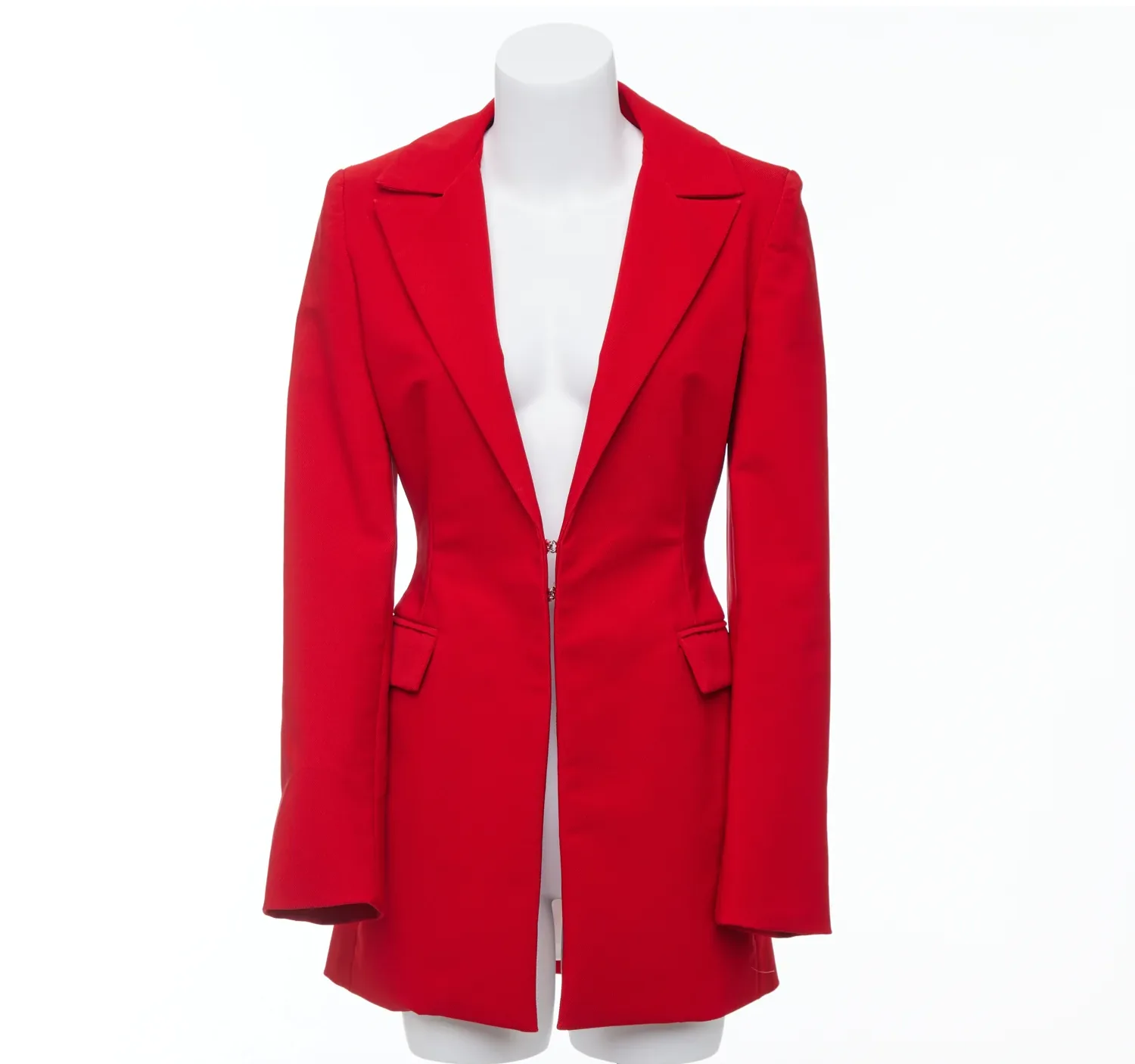
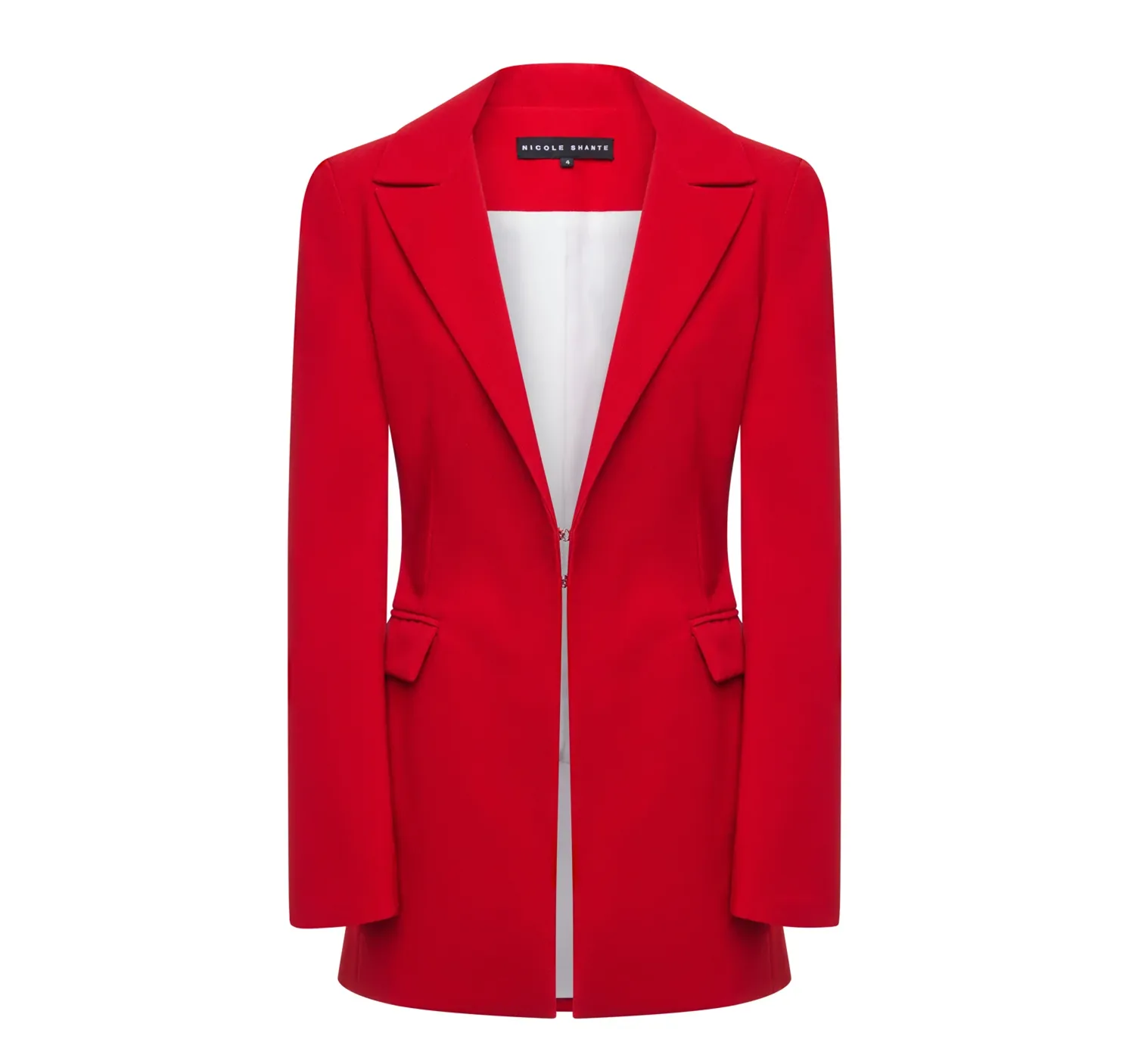
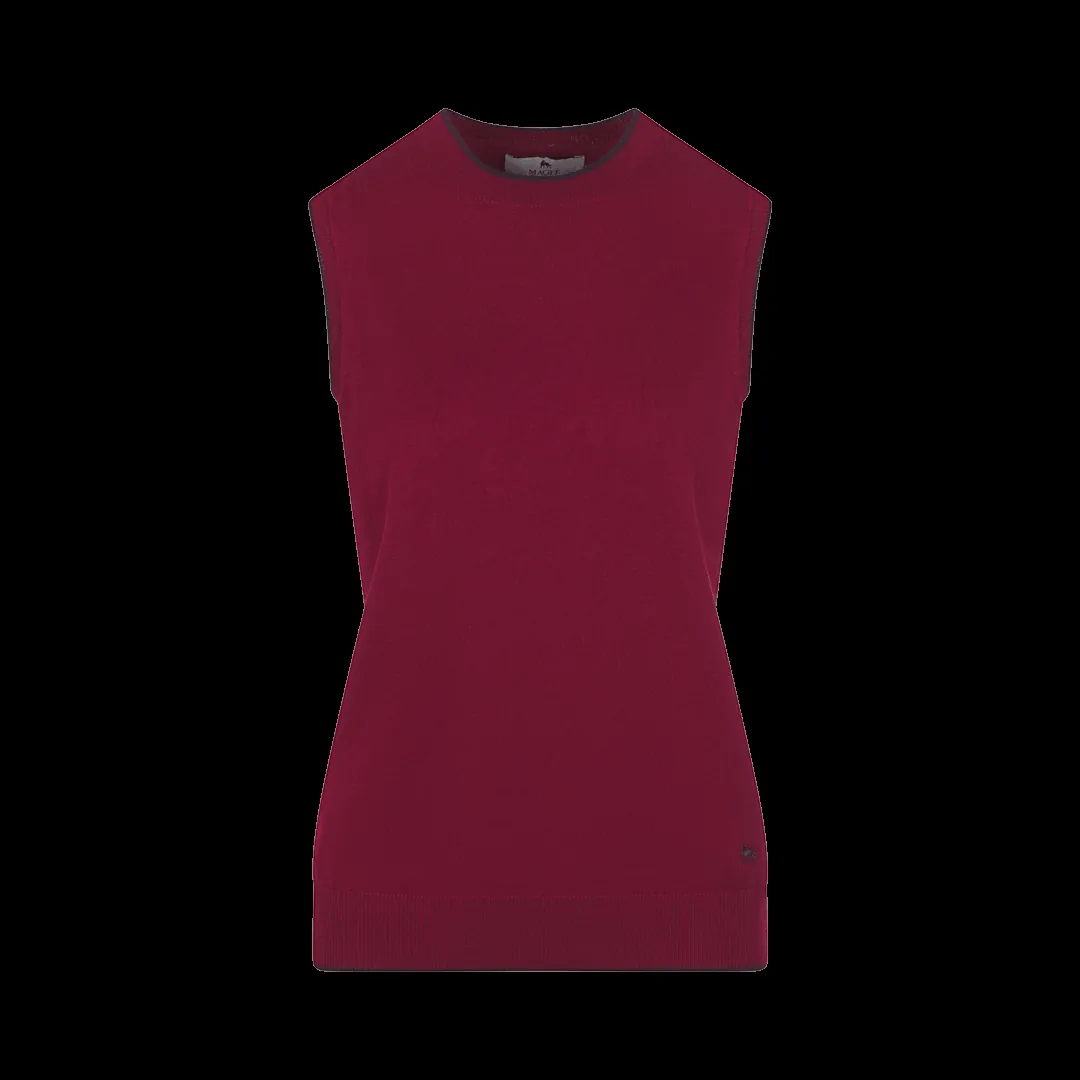
Red Blazer
Ghost mannequin edit — mannequin removed, inner label composited for a clean 3D form.
GHOST MANNEQUIN
Shoppers cannot always name what is wrong with a bad ghost mannequin image, but they feel it instantly — and they trust the product less. After editing apparel catalogues at scale, our team sees the same nine mistakes repeat, in DIY edits and in outsourced work alike. Each one below explains what goes wrong, why it happens, and how professionals fix it — so you can avoid them in your own edits or spot them in a provider's samples before you commit.
The composite needs the inside of the garment photographed properly. If the insert was never shot — or was shot at a different scale, angle or exposure — the editor must fake the collar interior, and faked areas are where cheap edits show first. Fix: follow a fixed shot list per garment type, like the one in our photography preparation guide, and check inserts on screen before the garment leaves the set.
Creases from packaging, lint, loose threads and crooked hems photograph exactly as they are. Editing can soften them, but every minute of avoidable cleanup is multiplied across a catalogue, and heavily rescued garments never look as crisp as well-prepared ones. Fix: steam, lint-roll and pin on the mannequin as standard prep — five minutes at the set beats thirty in Photoshop.
Different camera distances, angles or lighting between products make a category page look like five different stores. The edit cannot fully rescue geometry that was never consistent. Fix: fixed tripod marks, a framing template on the capture screen, and one lighting setup per garment family.
The insert was shot in slightly different light, and nobody matched it. The neckline shows a faint 'sticker edge' where the two photos meet — the single most common flaw in amateur work. Fix: clip Curves and colour adjustments to the insert layer only, and judge the join at 100% zoom, as described in Step 4 of our Photoshop tutorial.
Aggressive wrinkle removal and skin-style retouching erase the fabric's weave and natural folds until the garment looks moulded from plastic. Shoppers read that as low quality — the opposite of the edit's purpose. Fix: reduce distractions, keep texture; dodge and burn folds rather than deleting them.
Without a soft contact shadow inside the collar and beneath hems, the garment floats like a paper cut-out. With a shadow in the wrong direction, it looks haunted. Fix: rebuild gentle shadows on a separate Multiply layer, following the light direction of the original photograph.
The inner label composited at the wrong scale or angle, or a chest print warped by careless Liquify, quietly destroys credibility — and can misrepresent the product. Fix: treat labels and prints as no-stretch zones; align them to the garment's real geometry and check them against the insert photo. Our neck joint workflow keeps labels true for exactly this reason.
Rushed masking leaves white fringes on dark fabrics and chewed edges on lace, straps and knits. Fix: refine masks at high zoom with a 0.5–1 px feather matched to the photo's sharpness, and check the cut-out against both white and dark backgrounds before delivery.
Each image edited by feel — different crops, white balances and background tones — undoes the consistency that is ghost mannequin's main selling point. Fix: a written spec (crop ratio, margin, background value, shadow style) applied to every image, with one reviewer checking sets, not singles.
Drag across each example to compare the original mannequin photograph with the finished image — real Pic Visual production work from our portfolio.
Red Blazer
Ghost mannequin edit — mannequin removed, inner label composited for a clean 3D form.
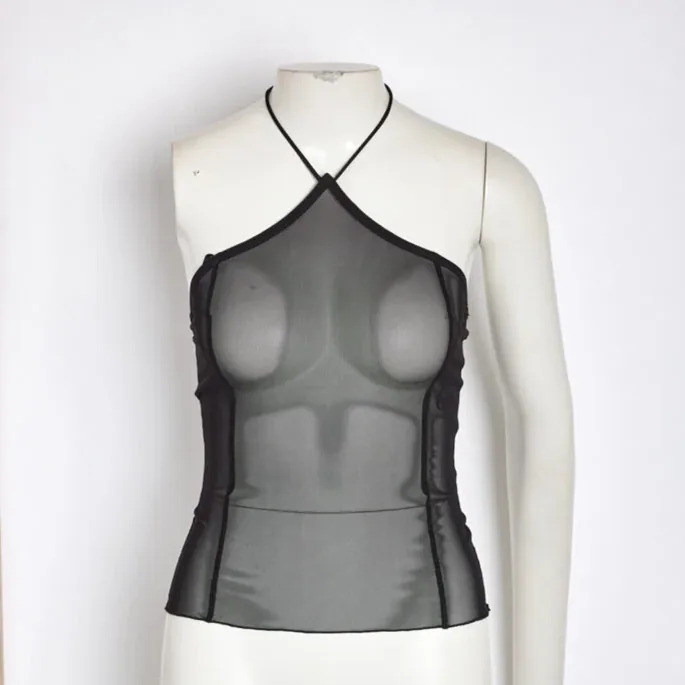
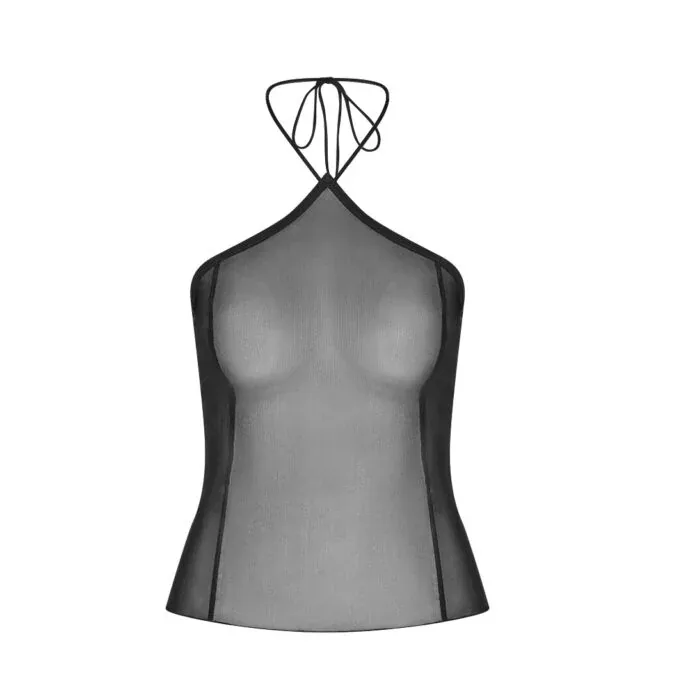
Black Halter Top
Neck-joint compositing keeps the straps and neckline exactly in place.
Found these flaws in your live catalogue? Triage before you spend. Tonal steps at the join, halos, inconsistent crops and missing shadows are all re-editable from the original photographs — a competent editor can rework the composite without touching the garments. Distorted labels can often be corrected from the insert photo if it still exists.
What cannot be rescued in the edit: a missing insert shot (the interior was never photographed), garments shot at inconsistent angles, and creases so deep the fabric's real shape is lost. Those need the garment re-photographed — which is why the cheapest fix in this entire list is the shot discipline in our preparation guide, applied before the next shoot rather than after it.
Ask any editor — in-house or outsourced — for full-size samples and check them against this list at 100% zoom: the join, the label, the edges, the shadows, the consistency across five products in a row. A specialist ghost mannequin service should pass all nine before you discuss price. The fastest test is your own products: send up to 5 images through a free trial and inspect the joins yourself.
A visible tonal step where the insert shot meets the main photograph at the neckline — the two photos were taken in different light and never matched in the edit. It is the first thing experienced reviewers check, and it appears in DIY and outsourced work alike.
Partly. Creases, dust and minor misalignment can be improved, but editing cannot invent a missing insert shot or restore consistency that was never photographed. Preparation — steaming, pinning and a fixed shot list — decides the ceiling of the final quality.
Over-smoothing. When every fold and all fabric texture is retouched away, the garment loses the surface cues shoppers use to judge material quality. Professional editors reduce distractions while deliberately keeping weave, stitching and natural fold structure.
Request full-resolution samples and zoom to 100%: check the neck join for tonal steps, the inner label for distortion, edges for halos, and five products side by side for consistent crops and backgrounds. Then run a small free trial on your own garments and repeat the same checks.
Need it done for your catalog? Pic Visual’s ghost mannequin service delivers hand-finished, catalog-ready images at $3–$10 per image with 24-hour delivery — or start with a free trial of up to 5 images and judge the finish on your own products. See also our dedicated neck joint service page for joint types, pricing and FAQs.