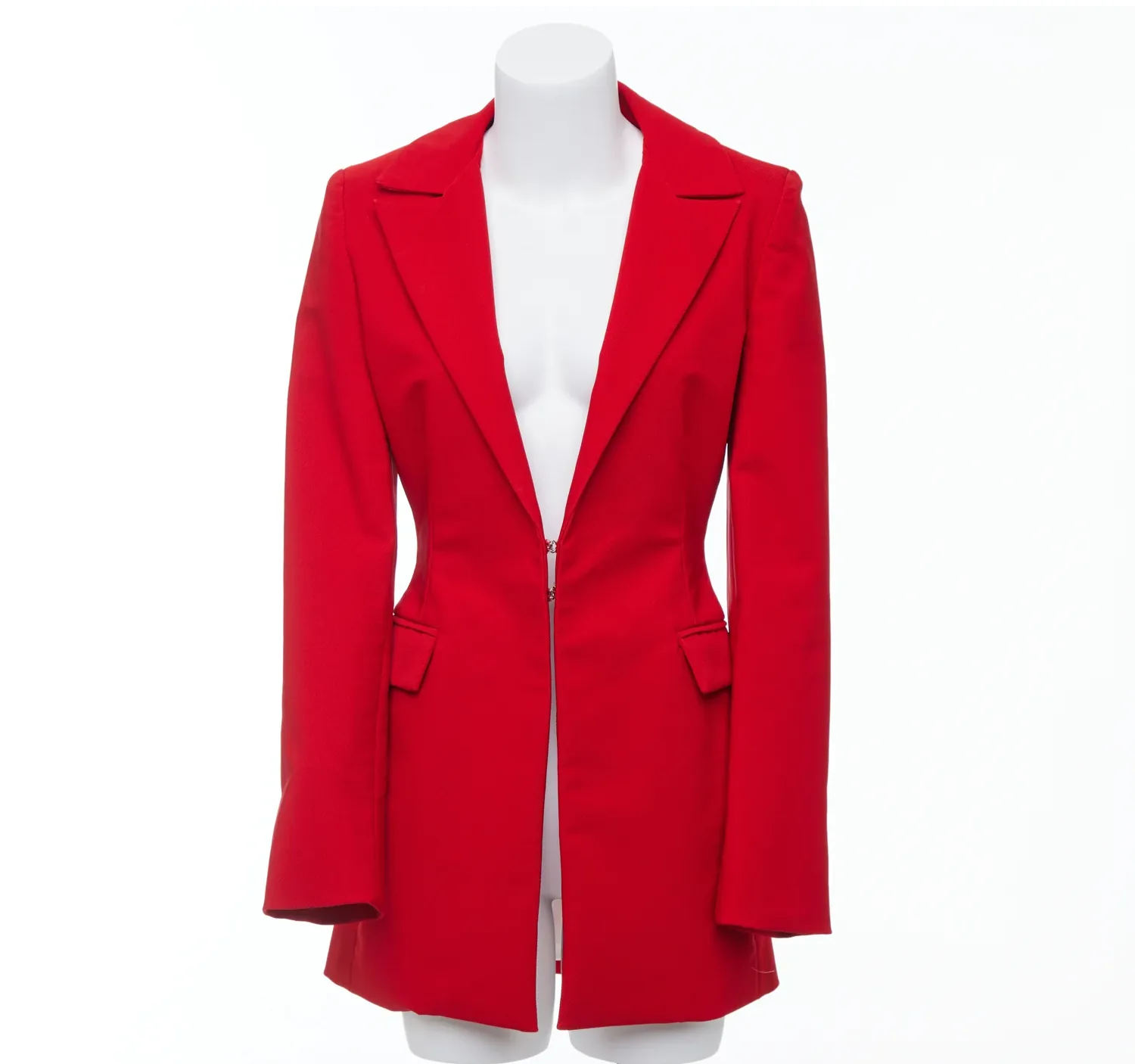
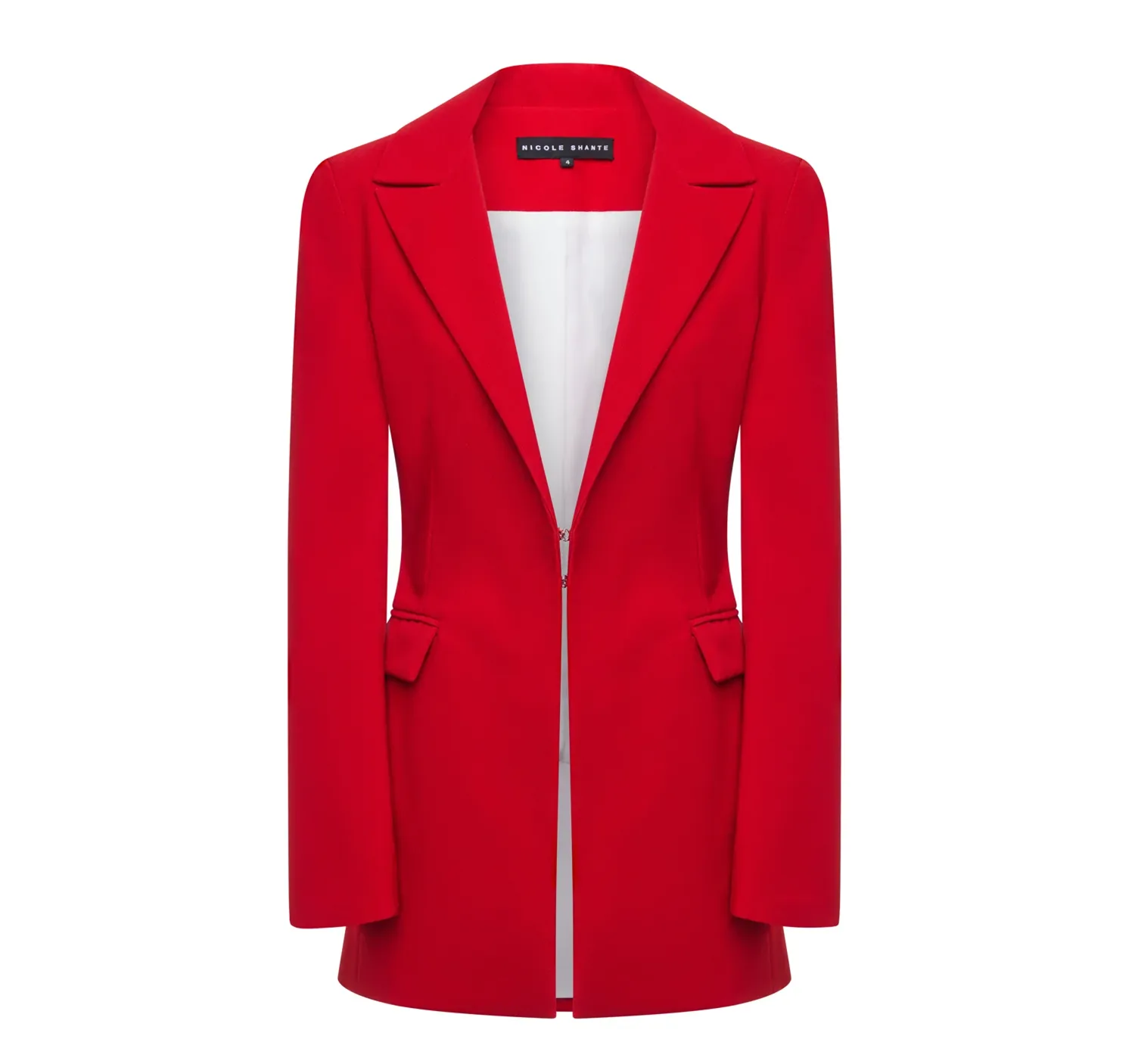
Red Blazer
Ghost mannequin edit — mannequin removed, inner label composited for a clean 3D form.
GHOST MANNEQUIN
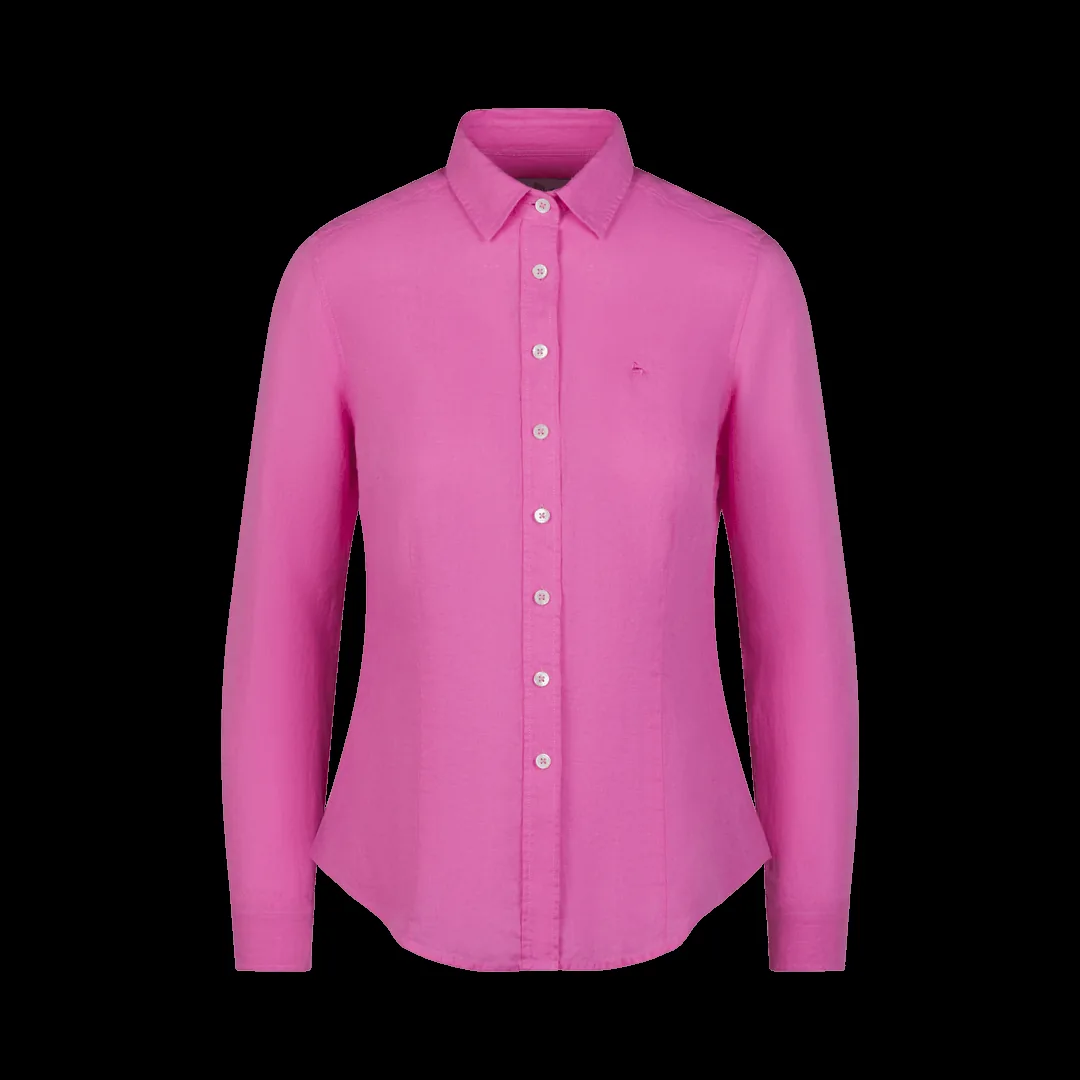
A ghost mannequin edit can only be as good as the photographs behind it. Editors can composite, blend and polish — but they cannot invent the inside of a collar that was never photographed. This guide is the shot list our ghost mannequin service wishes every client used: the exact views and insert shots to capture for each garment, how to prepare the clothing, and how to hand the files over so the finished images come back right the first time.
Whatever the garment, capture these on the mannequin from a fixed camera position, in this order:
Shoot the insert immediately after the main shots, without moving the camera. Matching position and light is what lets the editor blend the join invisibly — the blending step is shown in our Photoshop tutorial.
Inside back panel including the full collar band and the inner label. For shirts, button the collar as worn, then shoot the insert with the collar held open so both inner placket edges are visible.
Inside back and lining at the neckline; for jackets, also the inner facing along the front opening and one sleeve turned to show the cuff lining if the product view shows sleeves folded or pushed up.
The waistband is the 'neckline' of bottoms: shoot the inside of the waistband from above, including the inner label and button area, plus the inside of one turned-up hem if hems are shown turned.
Inside of the hood laid open, the inner neckline, and any inner layer that shows at openings. Layered garments need one insert per visible interior surface.
Most of the mistakes in our ghost mannequin mistakes guide start here. Steam or press every piece; remove lint, pet hair and loose threads; fasten buttons and zips as they should appear; pin or pad the garment on the mannequin so seams sit straight and the silhouette is symmetrical; check that labels lie flat and readable — the inner label will be composited into the final image exactly as photographed.
Choose a mannequin slightly smaller than the garment so fabric is never stretched, and keep the neck cap and stand outside the garment's openings wherever the design allows — less mannequin in frame means a cleaner composite.
Light the garment the way you want it judged: two large, soft sources at roughly 45 degrees give even, catalogue-standard illumination without harsh shadow edges, and the same setup must serve the insert shot minutes later. Keep the background exposure consistent — most stores finish on pure white, but the photograph itself should simply be evenly lit and free of colour casts.
Shoot RAW if your workflow allows it, or the highest-quality JPEG your camera offers, at the camera's native resolution — editors can downscale, never upscale. Set white balance from the grey card rather than auto, embed the colour profile, and never apply in-camera 'enhancements' like saturation or sharpening presets: an honest file gives the editor the most to work with, and colour accuracy is a large part of what the customer is trusting.
Drag across each example to compare the original mannequin photograph with the finished image — real Pic Visual production work from our portfolio.
Red Blazer
Ghost mannequin edit — mannequin removed, inner label composited for a clean 3D form.
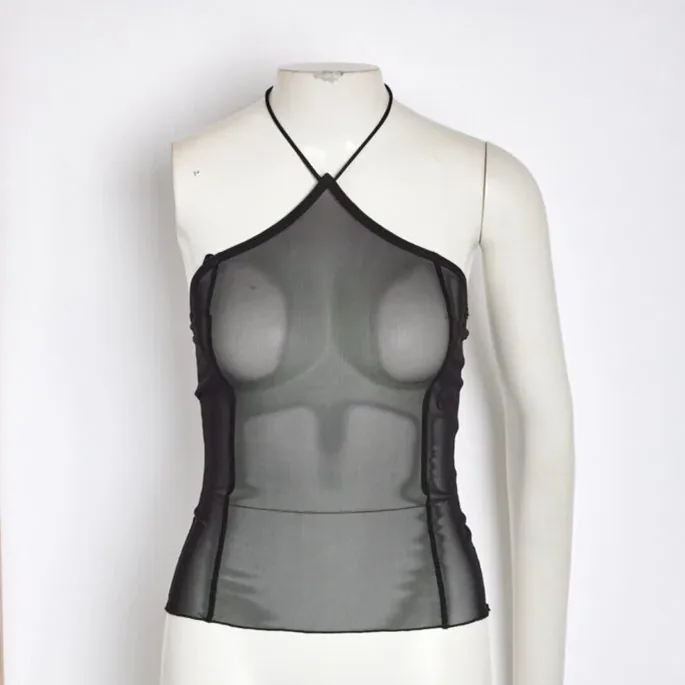
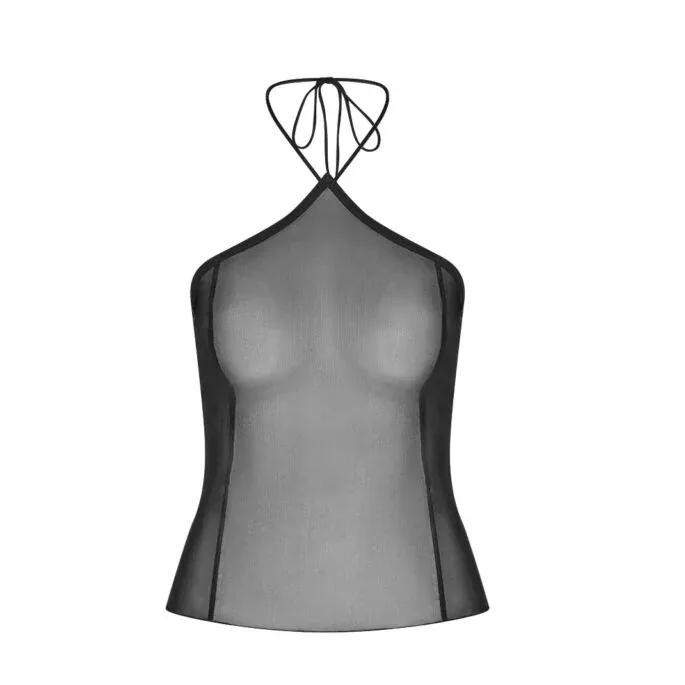
Black Halter Top
Neck-joint compositing keeps the straps and neckline exactly in place.
Name files so the set stays together — for example SKU123_front, SKU123_back, SKU123_insert_neck, SKU123_detail — and send the originals at full resolution (RAW or highest-quality JPEG). Tell your editor the output spec once: dimensions, background (pure white or your store's tone), file format and naming for finished files. If you edit with Pic Visual, that is the whole brief: upload the sets, and the compositing, neck joint work, colour matching and shadows are handled for $3–$10 per image with 24-hour delivery. New to it? Start with a free trial of up to 5 images using one garment's full shot set, and judge the join yourself.
At minimum: the garment on the mannequin from the front, the same from the back if a back view is sold, and an insert shot of the garment's inside (collar and inner back panel for tops, waistband for bottoms). Detail close-ups are optional but valuable. All shots should come from a fixed camera position in the same light.
Yes — the insert is usually photographed flat or held open, not on the mannequin. What matters is that it is shot at a similar scale, in the same light, immediately after the main shots, so the editor can align and colour-match it precisely.
Tell your editor before they start. For simple open necklines, a skilled editor can sometimes rebuild the area from the garment's own texture, but the result is a compromise and complex joins cannot be faked convincingly. Reshooting the inserts — even on a phone-guided setup — is usually faster and better.
No. Send unedited originals at full resolution. Cropping, colour changes or background removal before handover destroy information the editor needs for alignment and matching, and can make the composite impossible to blend cleanly.
Need it done for your catalog? Pic Visual’s ghost mannequin service delivers hand-finished, catalog-ready images at $3–$10 per image with 24-hour delivery — or start with a free trial of up to 5 images and judge the finish on your own products. See also our dedicated neck joint service page for joint types, pricing and FAQs.