PHOTOSHOP
Adobe Photoshop Vs GIMP – A Brief Comparison On Their Utility
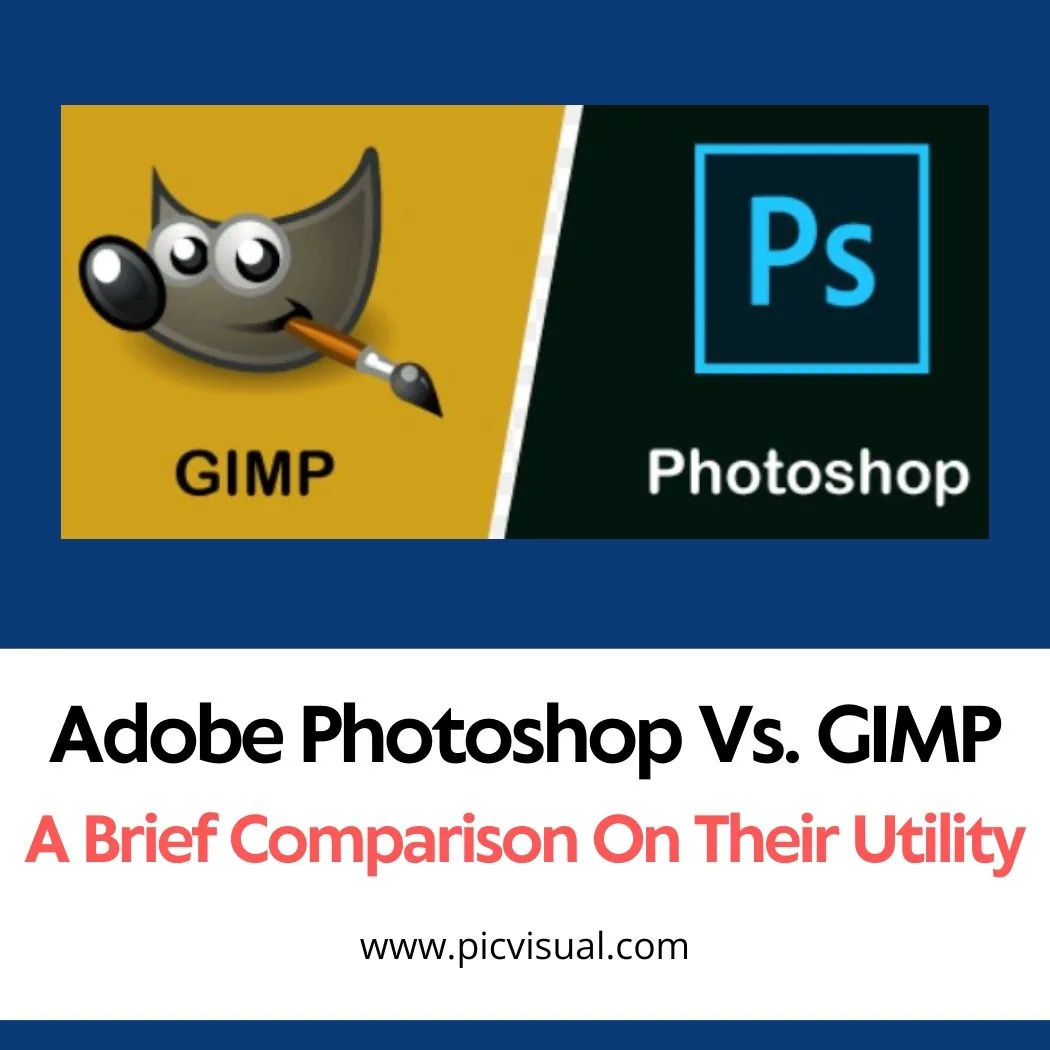
Every invention is challenged equally well or slightly better than other inventions of the same type. The field of graphic design is not an exception. Today we will share a brief of Adobe Photoshop Vs GIMP.
Photoshop and GIMP are two software that is equally suitable for any type of image editing. Between these two applications, there are some drawbacks, they have many important features, options, tools, plug-ins and some other resources that are better than one for personal and commercial use.
One is rich with some features, and the other is different with some additional benefits. There are many users, some experiences like some gimp, and some other like Photoshop. They argue for the equipment of their love, the additional things provided by the instrument while moving forward.
This content is rich in parallels and inequalities, comparisons and vice versa, and other factors that can help users to establish these two programs and obtain information before using or buying.
GIMP Overview:
GIMP stands for GNU Image Manipulation Program. It is a free and open source photo editing software that is compatible with almost all operating systems like GNU / Linux, OS X, Windows, and so on.
Its source code is shaky and you can distribute your changes. It is very rich with many sophisticated tools and third-party plug-ins which is very useful for graphic designers, photographers, illustrators, scientists and more.
Photoshop can handle almost anything you might want to do with a photo: high-end image editing, restoring, cropping, resizing, drawing, creative photo manipulation, color correction and more. It gives designers the power and flexibility to turn photos into unique creations, and to build icons, graphical design elements, user interface components, mock-ups and other assets.
PHOTOSHOP Overview:
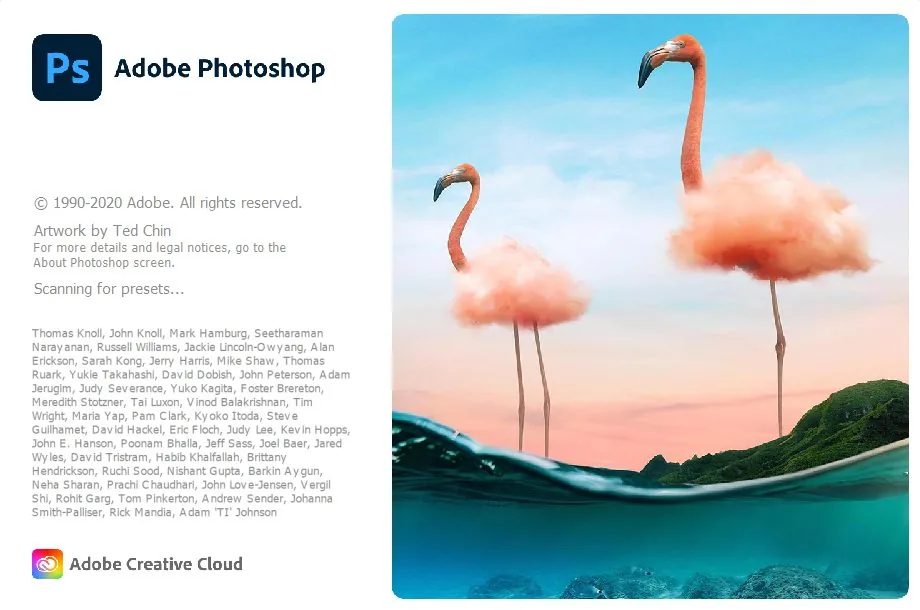
There is also a photo editing software developed by Adobe Photoshop Adobe Systems. In the old version of Photoshop offered 2 versions - original and expanded.
With Photoshop CC, Adobe settled on a single version of Photoshop — just 1 edition that, true to its name, is presented with every type of option included. An extended version exists as well, and it packs in many useful options and tools.
A PSD can serve any kind of photo editing service. The Photoshop Document format is a heavily featured file type that can hold a photo and export it in whatever other format a job requires: photo retouching, background removal, clipping paths, restoration of old and damaged photos, ghost mannequin work and more.
Inside a PSD you will often find Layers, Masks, Color Fields, Transparency, Spot Color, Channels, Selections, Text, an Interstate Commerce Commission (ICC) Profile, Duotone information, Clipping Path Settings and plenty more besides.
Some Basic Differences:
Businesses today need different kinds of photo editing depending on what they sell, and every job aims at making the product look more attractive. Graphic designers carry the responsibility for that image beautification. Plenty of them refuse to rely on a single program: each application provides its own specific features, and no one piece of software gives you everything.
Ease of use, the available tools, supporting resources and feedback from working designers all point to some clear differences between the two photo editing tools, Photoshop and GIMP.
When To Use?
Linux users often pick GIMP over Photoshop. Because it is lightweight, the software can run from a USB stick or another portable device when hard disk space is short. And if buying Photoshop is out of reach and a pirated copy is not an option, open-source GIMP is free to use — many people also find it the more user-friendly photo editing software of the two.
Upgrades cost nothing with GIMP, while Photoshop asks you to pay for them. On an older system under 16 bits, GIMP is the safer pick, because it also supports 8-bit systems.
Use GIMP If You’re On A Budget:
Working on a budget and not yet a professional? Photoshop is probably not the software for you. It carries a high price, far more than most other photo-editing software, and Adobe sells it through different price plans and bundle offers that run from $9 to $79 for one month.
You can also choose an annual value package which is very low for a learner, it is difficult to buy paid software. But, if you do not like to use Photoshop or want to save money for other reasons, then you can only use GIMP because it's free.
Use Photoshop If You’re A Professional:
Adobe's tools are the main options for choice for their multi-purpose tools and professionals. Most customers also work in Photoshop if you work with someone who likes it, they can send you a PSD or other Adobe proprietary format.
If your computer cannot handle the files, you will not be able to keep working with them for very long, so a capable device matters. Non-professionals, though, have every reason to choose GIMP instead of Photoshop.
Use GIMP If You Don’t Need It All The Time:
Its limitations aside, GIMP is still a more powerful tool than the other free photo-editing apps. It may not be the easiest program to use, but the amount you can do with it is large. Anyone who sometimes needs powerful tools for image editing will likely find GIMP the best application for the job.
Plenty of apps cover the basics — cropping an image, or adjusting brightness and contrast — but GIMP lets you do real editing work. Apple Photos or Instagram are sufficient for most people's editing needs; if you want more than that, you could hardly go wrong with GIMP.
Use Photoshop If You’re A Designer:
If you are a designer, then GIMP is not really an option, while GIMP can be a decent replacement for Photoshop for some uses, but two other apps in the Creative Cloud - do not keep Illustrator or InDesign a candle. Apart from this, if you are designing for print, GIMP's lack of CMYK support is available in Photoshop.
What You Can Do In Gimp Only?
GIMP offers a customizable interface. You can change widget theme, colors, widget spacing, icon size, etc. GIMP can read and edit the PSD files. GIMP is a free software and anyone can change and distribute its source code.
You can use many programming languages including plan, python, pearl and more. It provides full-screen preview of your artwork and editing work.
What You Can Do In Photoshop Only?
Photoshop provides two strong color modes: RGB and CMYK. RGB is the mode used to capture the image in the camera and display it on a digital screen, while CMYK is for printing your work. GIMP, however, has not offered a CMYK color mode.
Photoshop provides easily non-destructive photo editing techniques, consequently, this software is required for professional high-end editing. Adobe Photoshop is providing better support You can also get help from a phone call Constantly, its developers fix bugs by adding team bug fixing and new features.
For high-end image finishing, Photoshop provides more powerful tools — several healing brush tools, for example. Some of these repeat tools that Photoshop had already offered in earlier versions.
Photoshop Creative Cloud is an app that offers Lightroom, Illustrator, InDesign, and more software. This software support each other's work
Today's cameras produce RAW or JPG files, and Photoshop opens either format when you need to edit. Picking the program up is easy because of the countless amazing tutorials available: whatever question you run into, you can find an answer and a fix for every editing solution.
What You Can Do With Both?
The two programs both handle basic photo editing tasks. Each one lets you make the simple changes a photo needs: resizing, cropping and rotating an image, modifying or changing its color, and restoring damaged photos.
Powerful tools in these programs help you blur an area or fix unwanted things in a photo. You can also add guides and text layer masks, which are useful across image editing services such as clipping paths, image masking, background removal and damaged photo restoration. You can use both of these software options for that work.
Likes And Dislikes:
Likes Of GIMP:
- GIMP has almost all of the same equipment: this software provides many tools that look like Photoshop Tool. So, who knows the PS tools, he can easily learn the use of these tools.
- Free and open source, same interface: GIMP is a completely free and open source photo editing software. It is community-based and its interface is similar to PS. Super Lightweight in Linux: This is a very lightweight tool and easy for Linux users.
Likes Of Photoshop:
- Adobe Suite Compatibility: Photoshop is a part of Adobe Suite. In your creative cloud, there are many powerful tools like little room, illustrator, indie zine etc. Photoshop can read and edit files from these tools.
- Online support and large community: Photoshop has its own developer team, it has a great online support and a huge community. There is hardly any question, you will not get an answer related to image editing, this is a tool.
Plug-ins, Tools and Tons of Filters: Adobe Photoshop provides a large number of plug-ins, tools, and filters to ease the user's experience.
Dislikes Of GIMP:
- There are no tools to be polished in Photoshop: GIMP does not polish its tools as Photoshop, i.e. GIMP gives a Healing brush device while PS provides many brushes for smooth finishing functions.
- Less Support and Popularity: Since GIMP is a community-based tool, it offers less support and popularity. You have to wait for any support.
The Windows version is slow to start: the tool works well in Linux, but it struggles in Windows OS, and loading takes time.
Dislikes Of Photoshop:
- Photoshop Elements and Expanded Files Expensive: Many people do not like Photoshop's high price, its element files cost $ 100 and the cost of extended files is $ 1000.
- The estimated half of the users are copies of pirate: As buying photoshop is expensive, there is a tendency to use pirated copies. Most start using the pirated copy
- Plugins do not take up with the upgrade: There are many Photoshop plugins that do not take with upgrades and as a result, users experience backdated services
- Continuous License Verification: Photoshop continuous license recognition is a money-taking and painful fact.
Conclusion:
Selecting an app between GMAT and Photoshop will be easy if you think about what you need for it. If you want to use an additional add-on or feature for a professional or a specially influential person, Photoshop may be the first choice.
On a Linux machine with no budget to spare — or when you only need an editing app from time to time — GIMP is a practical way to edit your photos.